
Most Shopify stores do not have a complicated SEO problem. They have five or six basic SEO requirements that have never been properly set up. Rankings stay flat. Traffic barely moves. And nobody is quite sure what to fix first.
This SEO checklist template gives you a clear starting point. It covers the SEO requirements that matter most in 2026, including technical setup, on-page optimization, content quality, and AI search visibility. Work through it in order the first time. After that, use it to jump straight to whichever section is causing the most damage.
Summary
- Section 1: Basic SEO setup requirements every Shopify store needs first
- Section 2: Keyword and search intent checks that determine which pages rank
- Section 3: Technical SEO requirements your store cannot skip
- Section 4: SEO onpage optimization checklist for titles, headings, and content
- Section 5: Content quality and AI search visibility checks
- Section 6: How to measure whether your SEO checklist template is working
- Section 7: SearchPie features that automate your SEO checklist items
Basic SEO Setup Requirements
Before any other item on this SEO checklist template matters, these foundational SEO requirements need to be in place. If any of these are missing, every other fix in this SEO checklist template will have less impact than it should.
Steps:
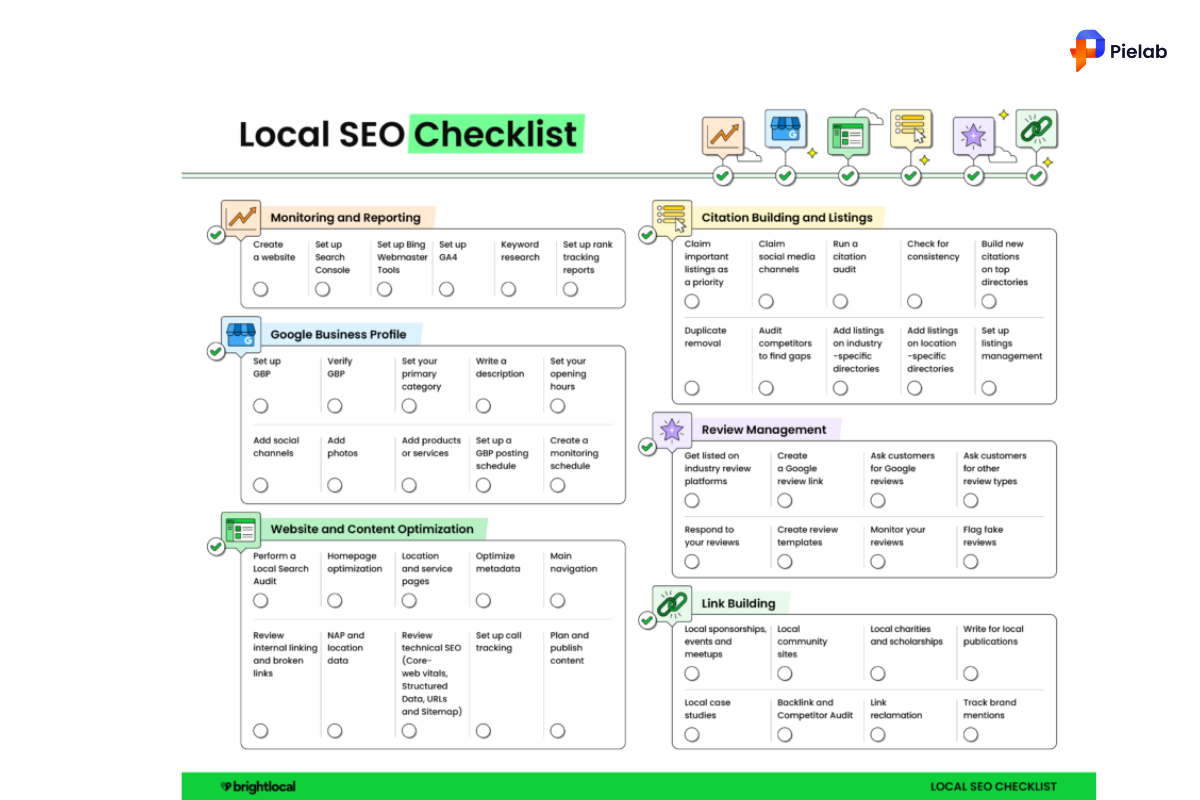
- Verify your Shopify store in Google Search Console. Go to search.google.com/search-console, add your property, and confirm verification. This is the single most important SEO requirement on this entire list.
- Set up Google Analytics 4 (GA4) and confirm it is receiving traffic from your store. Connect GA4 to Search Console so you can see organic conversions alongside impression and click data in one place.
- Submit your XML sitemap to Search Console. In Shopify, your sitemap is automatically generated at yourstore.com/sitemap.xml. Submit it under the Sitemaps section in Search Console.
- Set up rank tracking for your five to ten most important keywords. You cannot improve what you do not measure.
- Export your top organic landing pages from GA4 and your top queries from Search Console. Put them in one sheet and mark each URL as: keep, improve, merge, redirect, or investigate. This is the fastest way to build an SEO baseline for your store.
Time to complete: 1 to 2 hours.
Who should do this first: Every Shopify merchant, regardless of store size or how long the store has been live.
Keyword Research and Search Intent Checks
The most common SEO mistake on Shopify is targeting keywords that do not match what a page actually delivers. This part of the SEO checklist template helps you fix that mismatch before writing a single word of new content.
Before / After:
Steps:
- List all the keywords you currently want to rank for. Use Search Console, Google Keyword Planner, or any keyword tool you have access to.
- Group keywords by topic and buying intent. Separate research keywords from purchase keywords. An informational keyword like “how to care for leather shoes” needs a blog post. A transactional keyword like “buy leather sneakers” needs a product or collection page.
- Map one primary keyword to one URL. If two pages on your store are competing for the same keyword, that is keyword cannibalization and it is hurting both pages.
- Search your target keyword in Google and look at what ranks. If the top results are all product pages and yours is a blog post, the format mismatch is why you are not ranking. Match the format to what Google is already rewarding.
Time to complete: 2 to 4 hours for a full keyword map across your top 20 pages.
SEO requirement: Every priority page must have exactly one primary keyword with a clear, matching search intent.
Technical SEO Requirements Checklist
Technical SEO is where the most expensive mistakes hide. A single wrong setting in your robots.txt file can block Google from crawling your entire store. This section of the SEO checklist template covers the technical SEO requirements that Shopify merchants most commonly get wrong.
Crawling and indexing:
- Open Search Console and go to the Pages report. Look for any important product or collection pages listed under “Not Indexed.” These are pages Google cannot or will not include in search results.
- Check your robots.txt file at yourstore.com/robots.txt. Confirm it is not accidentally blocking product pages, collection pages, or important CSS and JavaScript files that Google needs to render your store correctly.
- Confirm your XML sitemap only includes URLs you actually want indexed. Tag pages, filtered collection URLs, and internal search result pages should not be in your sitemap.
- Use Google’s URL Inspection tool in Search Console to test your most important product and collection pages. Confirm each one can be crawled and indexed.
Redirects and errors:
- Check for broken links and 404 errors using Search Console or a crawler tool. Any page with backlinks or existing traffic that returns a 404 error needs a 301 redirect to the closest relevant live page.
- Clean up redirect chains. If URL A redirects to URL B which redirects to URL C, shorten it to URL A redirecting directly to URL C.
- Confirm all HTTP pages redirect to HTTPS. Every Shopify store should be running on HTTPS by default, but verify it is working correctly across your full domain.
Core Web Vitals:
These are Google’s page experience SEO requirements. They directly influence rankings on mobile, which is where most Shopify traffic comes from. Every serious SEO checklist template for Shopify stores must include Core Web Vitals checks.
Check your Core Web Vitals scores in Search Console under the Core Web Vitals report. Fix template-level problems first, not individual pages.
Time to complete: 3 to 5 hours for a full technical audit. Use this section of the SEO checklist template after every major theme change or Shopify update.
SEO Onpage Optimization Checklist
This is where most Shopify merchants spend their time. But on-page SEO only works when the technical foundation from Section 3 is already solid. Use this SEO onpage optimization checklist after confirming your pages can be crawled and indexed.
Title tags:
- Every product, collection, and blog page on your store needs a unique title tag. Duplicate title tags are one of the most common SEO onpage optimization checklist failures on Shopify stores.
- Place the primary keyword near the front of the title tag. “White Leather Sneakers for Women | YourStore” performs better than “YourStore | Shop Our White Leather Sneakers.”
- Keep title tags under 60 characters so they display in full on search results pages.
- Open Search Console and filter by pages with high impressions but low click-through rate. Those are the title tags to rewrite first.
Meta descriptions:
- Write a unique meta description for every important page. Meta descriptions do not directly affect rankings, but they directly affect whether shoppers click your result over a competitor’s.
- Keep meta descriptions between 140 and 160 characters. Include the primary keyword and a specific reason to click, such as free shipping, a discount, or a unique product benefit.
Headings:
- Every page should have exactly one H1 heading. Shopify themes sometimes generate multiple H1 tags automatically. Check your product and collection page source code to confirm only one H1 exists.
- Use H2 and H3 subheadings to create a scannable structure. Write headings using the same language your customers use when searching, not internal brand language.
Images:
- Every product image needs descriptive alt text. This is both an SEO onpage optimization checklist requirement and an accessibility requirement. Write alt text that describes what is in the image, including product name, color, and material where relevant.
- Compress images before uploading to Shopify. Large image files slow page load times, which hurts both your Core Web Vitals score and your conversion rate.
URLs:
- Keep product and collection URLs short and descriptive. Remove unnecessary words and numbers from auto-generated Shopify URLs where possible.
- Avoid changing URLs for existing pages that already rank or have backlinks. A URL change without a proper 301 redirect loses all existing ranking signals.
Time to complete: 20 to 30 minutes per page for a full SEO onpage optimization checklist review. Start with your top 10 pages by revenue or traffic.
Content Quality and AI Search Visibility
This part of the SEO checklist template covers two areas that are becoming more important in 2026: content quality signals and visibility in AI-powered search results like Google AI Overviews, ChatGPT Search, and Perplexity.
Content quality SEO requirements:
- Every page on your store should have a clear purpose. If you cannot explain in one sentence what a page is for and who it helps, the page probably needs to be improved, merged with another page, or removed.
- Make sure your most important content appears early on the page, not buried below promotional blocks and navigation elements.
- Check for thin pages. A product page with only a product name, one image, and two sentences of description is a thin content problem. Add specifications, use cases, care instructions, and frequently asked questions.
- Update outdated content. A blog post from 2021 that still ranks for an important keyword is an opportunity. Refresh the data, update the examples, and confirm the information is still accurate.
AI search visibility checks:
- AI search tools like Google AI Overviews and Perplexity pull answers from pages they can crawl and trust. These checks ensure your store content is structured in a way AI tools can read and cite. This is a new SEO requirement that most older SEO checklist templates do not cover.
- Confirm AI crawlers can access your store. Check your robots.txt file to ensure crawlers like GPTBot and PerplexityBot are not accidentally blocked.
- Write clear, direct answers to common customer questions near the top of relevant pages. Questions like “Is this product waterproof?” or “How long does delivery take?” should be answered in plain text, not hidden in a PDF or an accordion menu.
- Use structured headings, short paragraphs, and bullet lists where appropriate. AI tools extract content more effectively from well-organized pages. This structural SEO requirement applies to every content page covered by this SEO checklist template.
- Run a monthly AI visibility check. Search for your five most important product categories in ChatGPT, Perplexity, and Google AI Mode. Check whether your store appears. If competitors are being cited and you are not, compare their page structure to yours and identify what they are doing that this SEO checklist template can help you replicate.
How to Measure Whether Your SEO Checklist Template Is Working
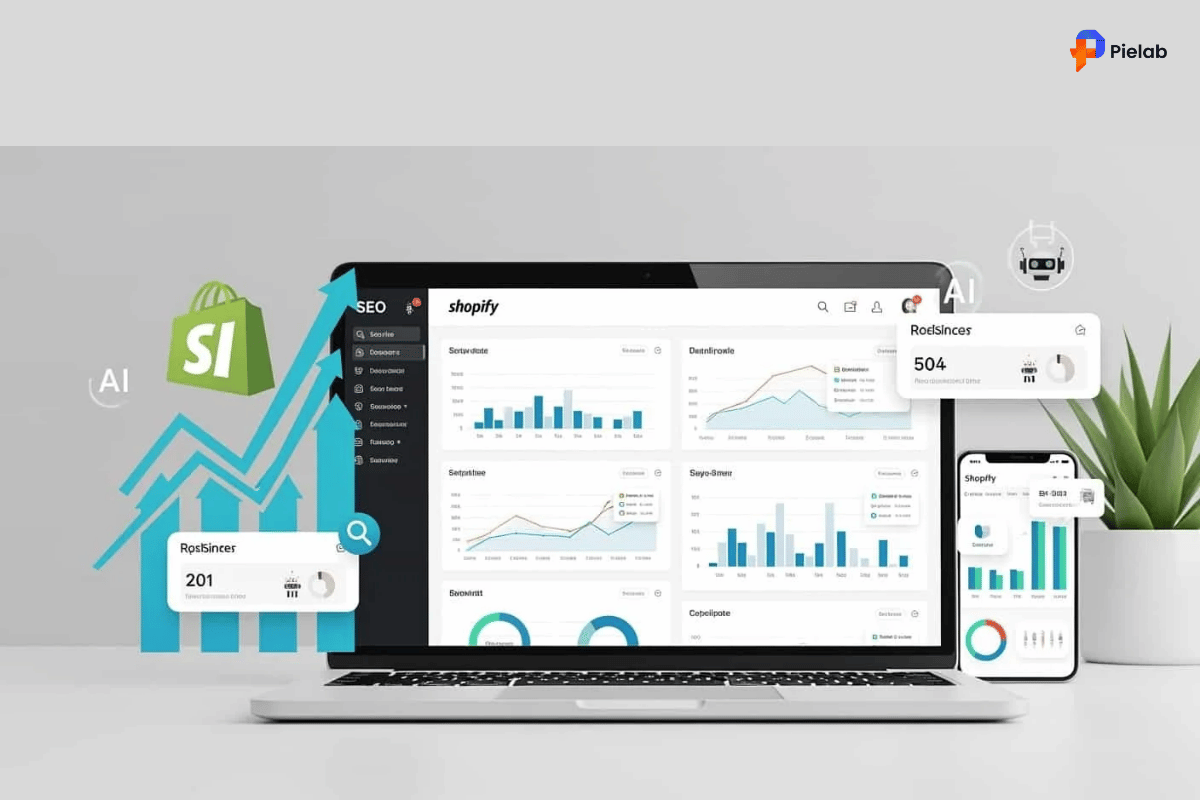
Running through this SEO checklist template without measuring results is like fixing your store and never checking whether sales improved. These are the SEO requirements for tracking progress effectively.
Audit cadence for Shopify merchants:
Running through your full SEO checklist template once is not enough. These SEO requirements need regular attention as your store grows.
- Check Search Console for errors and sudden click drops every week.
- Review your organic conversions and click-through rates every month. Run a full technical crawl and content audit every quarter.
- After any theme update, app installation, or major product catalog change, re-run the technical section of this SEO checklist template immediately.
Timeline for results: Technical SEO requirements fixes show up in Search Console data within 2 to 4 weeks. SEO onpage optimization checklist changes take 4 to 8 weeks to reflect in rankings. Content improvements and new internal links take 8 to 12 weeks to show measurable ranking movement. Use these timelines to set realistic expectations when presenting this SEO checklist template to your team.
SearchPie Features That Automate Your SEO Checklist
Working through this SEO checklist template manually is possible for small stores. For stores with growing catalogs, a Shopify SEO app that automates the most time-consuming SEO checklist template items saves hours every month and reduces the risk of missing a critical SEO requirement.
SearchPie is built specifically for Shopify merchants who want their core SEO requirements handled automatically rather than manually checking each item on a separate SEO checklist template every month.
- Meta tag management. SearchPie scans your store for missing or duplicate title tags and meta descriptions across all product, collection, and blog pages. It flags which pages are failing this SEO onpage optimization checklist requirement and lets you fix them in bulk, which is significantly faster than opening each page individually in your Shopify admin.
- Alt text optimization. SearchPie audits your product images for missing alt text and helps you add descriptive alt text across your catalog without editing each product manually. This directly addresses one of the most commonly skipped items on the SEO onpage optimization checklist section of this SEO checklist template.
- SEO issue scanning. SearchPie’s audit feature scans your store for the most common Shopify SEO problems including thin content pages, duplicate URLs, missing canonical tags, and indexing issues. Instead of running a manual Search Console audit every month, SearchPie surfaces these SEO requirements failures in a single dashboard. This replaces the manual version of this SEO checklist template for ongoing maintenance.
- Schema and structured data. SearchPie generates product schema markup automatically for your product pages, making them eligible for Google rich snippets showing price, availability, and star ratings directly in search results. Structured data is a specific SEO requirement for AI search visibility and is one of the most overlooked items on most SEO checklist templates.
- AI search optimization. SearchPie’s Optimize for AI feature helps you structure your product and collection page content so AI search tools can read, understand, and cite your store. This directly addresses the AI visibility section of this SEO checklist template without requiring you to manually audit each page for AI-readiness every month.
- Best for: Shopify merchants who want their ongoing SEO checklist template items handled automatically, without spending hours in Search Console every week or relying on a developer to implement each SEO requirement manually.
Start With the Three Things That Matter Most
The most common mistake merchants make with this SEO checklist template is trying to fix everything at once. That approach leads to partial fixes and no clear way to measure what worked.
Start with three things.
- Set up Search Console and GA4 if they are not already running.
- Fix any pages listed as not indexed in Search Console.
- Rewrite the title tags on your top five pages by impressions where click-through rate is below 2%.
Those three steps alone will show measurable results within 60 days. Then work through the rest of this SEO checklist template in order.
Ready to automate your Shopify SEO requirements?
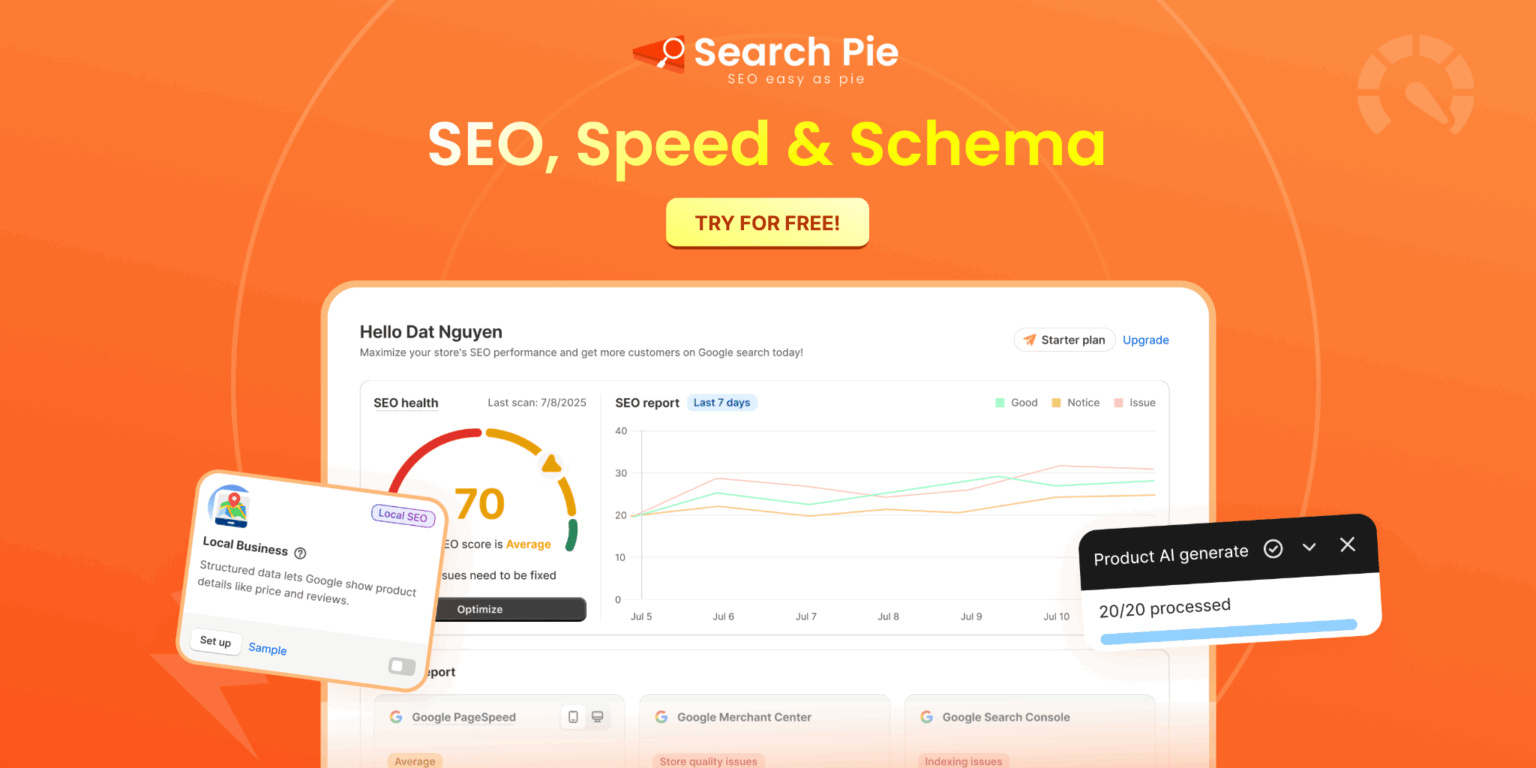
SearchPie handles your meta tags, alt text, schema, duplicate content detection, and AI search optimization in one app. No manual audits. No spreadsheets. Just clear SEO checklist items completed automatically across your full store.
FAQS
Start by listing the most important SEO tasks for your Shopify store, including keyword optimization, technical SEO, image optimization, metadata, and structured data checks.
An SEO checklist template is a structured list of SEO tasks used to improve search rankings, website performance, and organic traffic consistently.
An SEO checklist helps ensure important optimization tasks are not missed, making it easier to improve rankings, traffic, and conversions over time.
A Shopify SEO checklist should include keyword research, title tags, meta descriptions, image optimization, site speed, internal linking, and schema markup.
Review and update your SEO checklist every few months or whenever Google releases major search algorithm updates.