

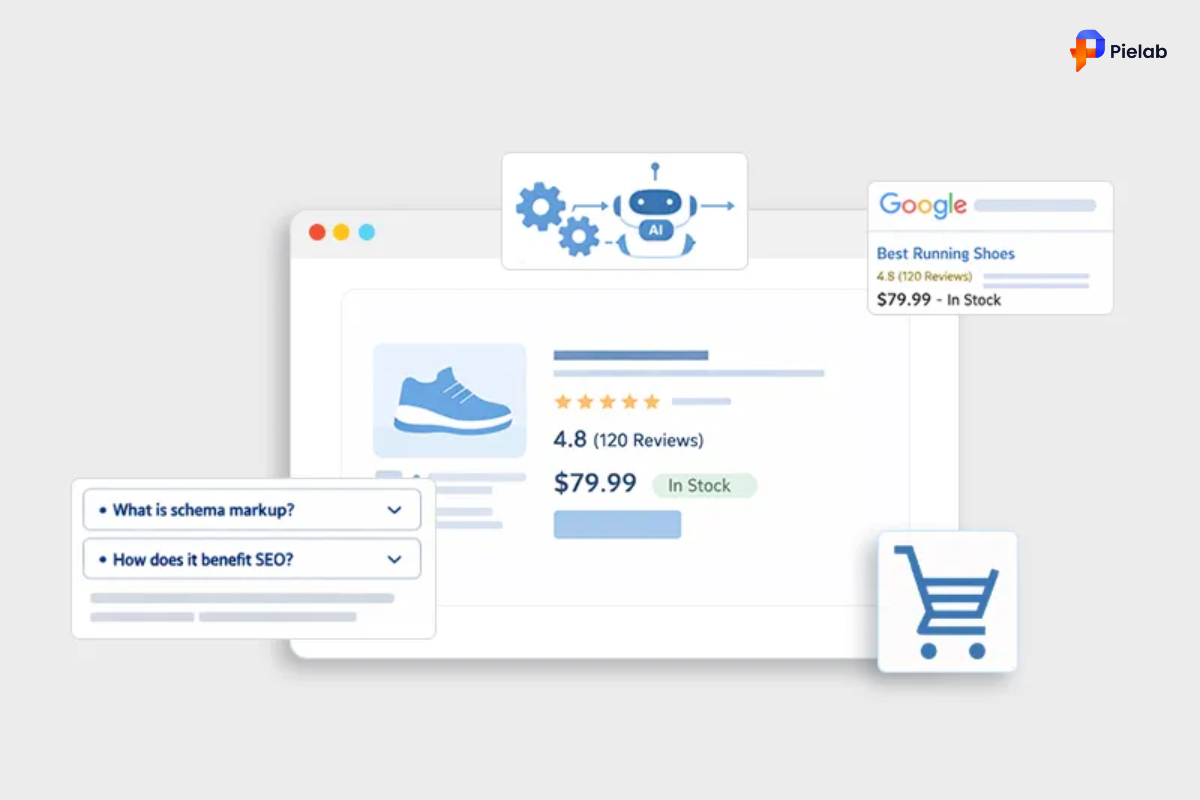
Some Shopify stores show up in Google with star ratings, prices, and stock availability right on the search results page. Others show only a plain blue link. The difference is not ranking. The difference is product schema.
Product schema is structured data you add to your product pages to tell Google exactly what you are selling. When it works correctly, Google rewards you with rich snippets. Rich snippets get more clicks. More clicks mean more sales without spending more on ads.
Websites using rich snippets see up to a 30% increase in click-through rates. That is a meaningful number for any Shopify store. This guide shows you exactly how to implement product schema, what to avoid, and which tools make the process faster.
Summary
- Section 1: What product schema is and how it works in plain English
- Section 2: Why adding product schema to your Shopify store directly affects traffic and revenue
- Section 3: Two ways to implement product schema: manual and app-based
- Section 4: How to test and validate your product schema setup
- Section 5: The most common product schema mistakes and how to avoid them
- Section 6: The best tools and apps to manage product schema on Shopify
What Is Product Schema and How Does It Work
Product schema is a type of structured data markup added to your product pages. It gives search engines specific, organized information about what you are selling in a format they can read and use directly.
Without product schema, Google has to guess what is on your page. It reads your text, your images, and your headings, and makes its best interpretation. With product schema, you remove the guesswork entirely. You tell Google the product name, the price, the currency, whether it is in stock, the customer rating, and more.
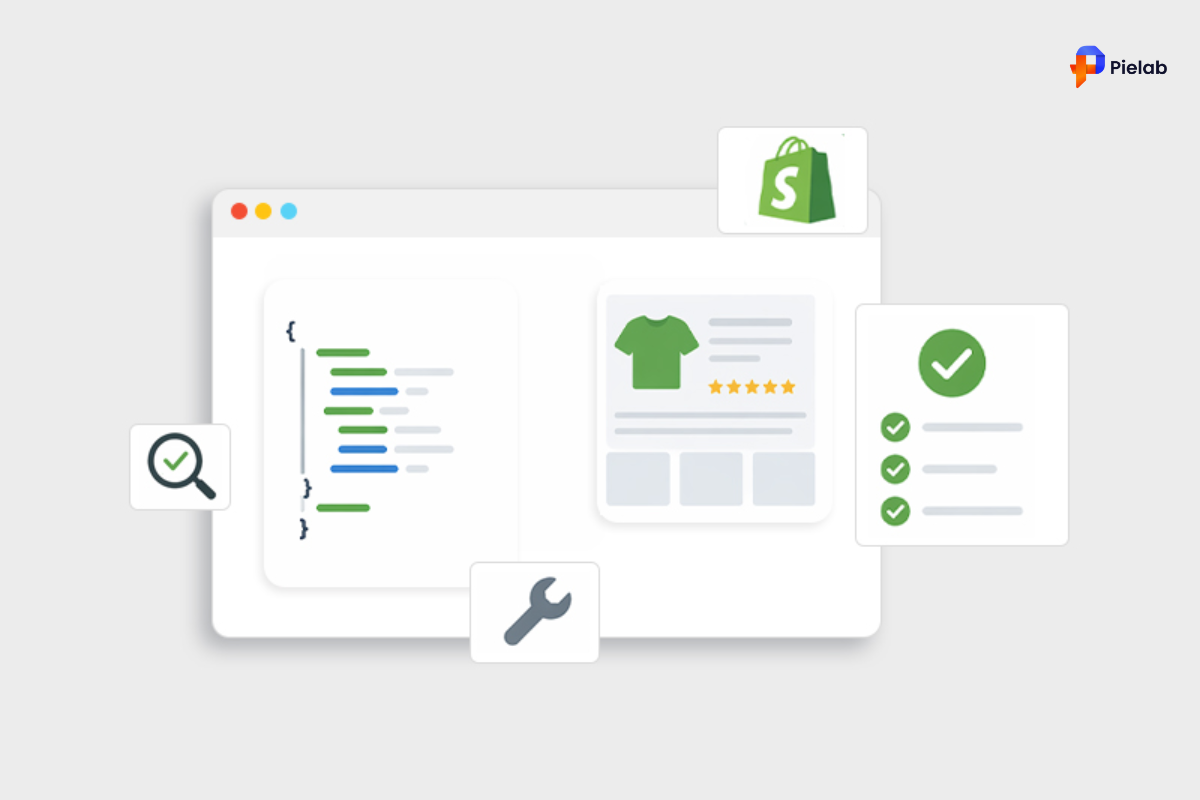
This information is written in a format called JSON-LD (JavaScript Object Notation for Linked Data). It is a small block of code that sits inside your page HTML without affecting how your page looks to shoppers. Google reads it behind the scenes.
When Google reads your product schema correctly, it can display that information directly in search results as rich snippets. That is the listing with the yellow stars, the price, and the availability status that stands out from every plain text result around it.
The vocabulary that defines how product schema is written comes from Schema.org, a standard used by Google, Bing, and other major search engines. Following this standard correctly is what determines whether your rich snippets appear or not.
Why Product Schema Directly Affects Your Shopify Revenue
Product schema is not just a technical SEO checkbox. It is a direct driver of traffic and conversion for your Shopify store. Here is what it actually does for your business.
Rich snippets make your listing stand out visually. When a shopper searches for a product and sees one result with star ratings, price, and availability alongside five plain text links, the rich snippet captures attention first. More visual listings earn more clicks, even when they do not rank at the top of the page.
Higher click-through rates mean more qualified traffic. When shoppers see your price and rating before they click, they self-select. The people who click already know your product is relevant and roughly within their budget. This pre-qualification effect means your traffic converts at a higher rate.
Better user experience leads to lower bounce rates. Shoppers who arrive knowing what to expect are more likely to stay and buy. Lower bounce rates and longer session times send positive signals to Google, which can strengthen your rankings over time.
Most Shopify stores still have not done this. That is both a warning and an opportunity. Many competitors whose products rank near yours are not showing rich snippets. Implementing product schema correctly right now gives you a visible advantage in search results that has nothing to do with your ad spend or backlink count.
Ecommerce schema also supports internal operations. Structured product data makes your catalog easier to manage. Accurate product attributes, prices, and availability in your schema can feed into inventory tools and make stock management more transparent. This is a less obvious benefit of schema markup for ecommerce websites, but a real one.
How to Implement Product Schema on Your Shopify Store
There are two approaches to adding product schema to Shopify. One is manual and gives you full control. The other uses an app and requires no coding knowledge. Choose based on your comfort level with Shopify’s code editor.
Option 1: The Manual Method (For Developers or Advanced Users)
This approach gives you the most control over how your ecommerce schema is structured and deployed. It takes longer and requires care, but it gives you complete visibility into exactly what Google is reading.
Steps:
-
Back up your theme first. Go to Online Store, then Themes, and duplicate your current theme. Never edit live theme code without a backup.
-
Open the code editor. In your Shopify admin, go to Online Store, then Themes, then Edit Code.
-
Find your product template. Look for product.json or product.liquid inside the Templates or Sections folder. This is where your product schema code will live.
-
Generate your JSON-LD script. Use Google’s Structured Data Markup Helper to build the correct schema markup for your product pages.
-
Insert the schema code into your product template. Use Shopify’s Liquid variables such as product.title, product.price, and product.available so the data fills in automatically for each product.
Pro tip: Create a dedicated snippet file called schema-product.liquid and include it in your product template using the render tag. This keeps your code organized and easier to update later.
Time to complete: 1 to 3 hours depending on your familiarity with Shopify’s code editor. Who should use this method: Developers, or store owners who are comfortable with Liquid and HTML. Skip this method if: You have never edited Shopify theme code before. Use Option 2 instead.
Option 2: Using a Shopify App (For Non-Coders)
If you do not want to touch code, an app handles the entire product schema process for you. The app generates the correct JSON-LD markup, injects it into your product pages automatically, and updates it when your product data changes.
This is the right choice for most Shopify merchants. It is faster, lower risk, and maintains itself when you update products or switch themes.
The specific apps to use are covered in Section 6 of this guide, along with the features to look for when choosing between them.
Time to complete: 15 to 30 minutes to install and configure an app. Who should use this method: Any store owner who wants product schema without editing code.
How to Test and Validate Your Product Schema Setup
Implementing product schema without testing it is one of the most common and costly mistakes merchants make. You have no way of knowing if your schema is working unless you check it with the right tools.
Steps:
-
Go to Google’s Rich Results Test at search.google.com/test/rich-results. Paste in your product page URL. This tool shows you exactly how your product schema might appear in Google search and flags any errors preventing rich snippets from showing.
-
Go to Schema Markup Validator at validator.schema.org. This checks for technical formatting errors in your structured data that the Rich Results Test might not catch.
-
Open Google Search Console and go to the Enhancements section. Here you can see how many of your product pages have valid schema markup and track any issues Google flags over time.
-
After making any changes to your product schema, run these tests again. A single formatting error can silently block all your rich snippets.
Time to complete: 5 to 10 minutes per URL. This is not optional. Validation is what separates a working product schema setup from one that looks correct but produces no results.
The Most Common Product Schema Mistakes on Shopify
Even merchants who implement product schema correctly on day one often run into problems later. These are the mistakes that most commonly block rich snippets on Shopify stores.
Mistake 1: Incomplete Markup
Google requires specific fields before it will display rich snippets. At minimum, your product schema must include the product name, price, and availability. Missing even one of these fields means no rich results, no matter how well the rest of your schema is written.
The fix: Check Google’s official Product schema requirements and verify your markup includes every required field. Use the Rich Results Test to confirm.
Mistake 2: Incorrect Data Formatting
Price values must follow a specific format. “29.99” is correct. “$29.99” is not. “2999” without a decimal is not. Currency codes must match the ISO standard. Broken image URLs and incorrectly formatted dates in review schema are other common causes of silent failures.
The fix: Review your schema output carefully. If you are using an app, check that the price format it generates matches Google’s requirements for your store’s currency.
Mistake 3: Schema in the Wrong Template
Product schema placed in a collection template, a homepage template, or any page other than your product template will often fail or produce errors. The schema must sit inside the product-specific template and must only load on product pages.
The fix: Confirm your schema code or app output is appearing on product page URLs only. Use the Rich Results Test on both a product URL and a collection URL to verify.
Mistake 4: Not Validating After Setup
Many store owners implement product schema once and assume it is working forever. Without checking Google Search Console regularly, you will not know if errors have appeared or if Google has flagged issues with your markup.
The fix: Check your Search Console Enhancements report at least once a month. Set a reminder. Five minutes of checking can catch problems before they cost you weeks of missing rich snippets.
Mistake 5: Not Updating Schema After Theme or Product Changes
Switching Shopify themes is one of the most common ways to accidentally break product schema. A new theme may overwrite your schema code entirely. Price changes, discontinued products, and catalog updates can also create mismatches between your schema data and your actual product pages. Google can penalize stores showing incorrect prices in schema, which suppresses rich results entirely.
The fix: Any time you switch themes, update prices across your catalog, or make major product changes, run your schema validation tests again immediately.
The Best Tools and Apps for Product Schema on Shopify
Choosing the right tool for your product schema setup determines how much time you spend on maintenance and how reliably your rich snippets appear. Here are the best options for Shopify merchants.
SearchPie: Schema and Snippets Built Into Your SEO Workflow
SearchPie is the most practical option for Shopify merchants who want product schema handled as part of a complete SEO strategy rather than as a standalone task.
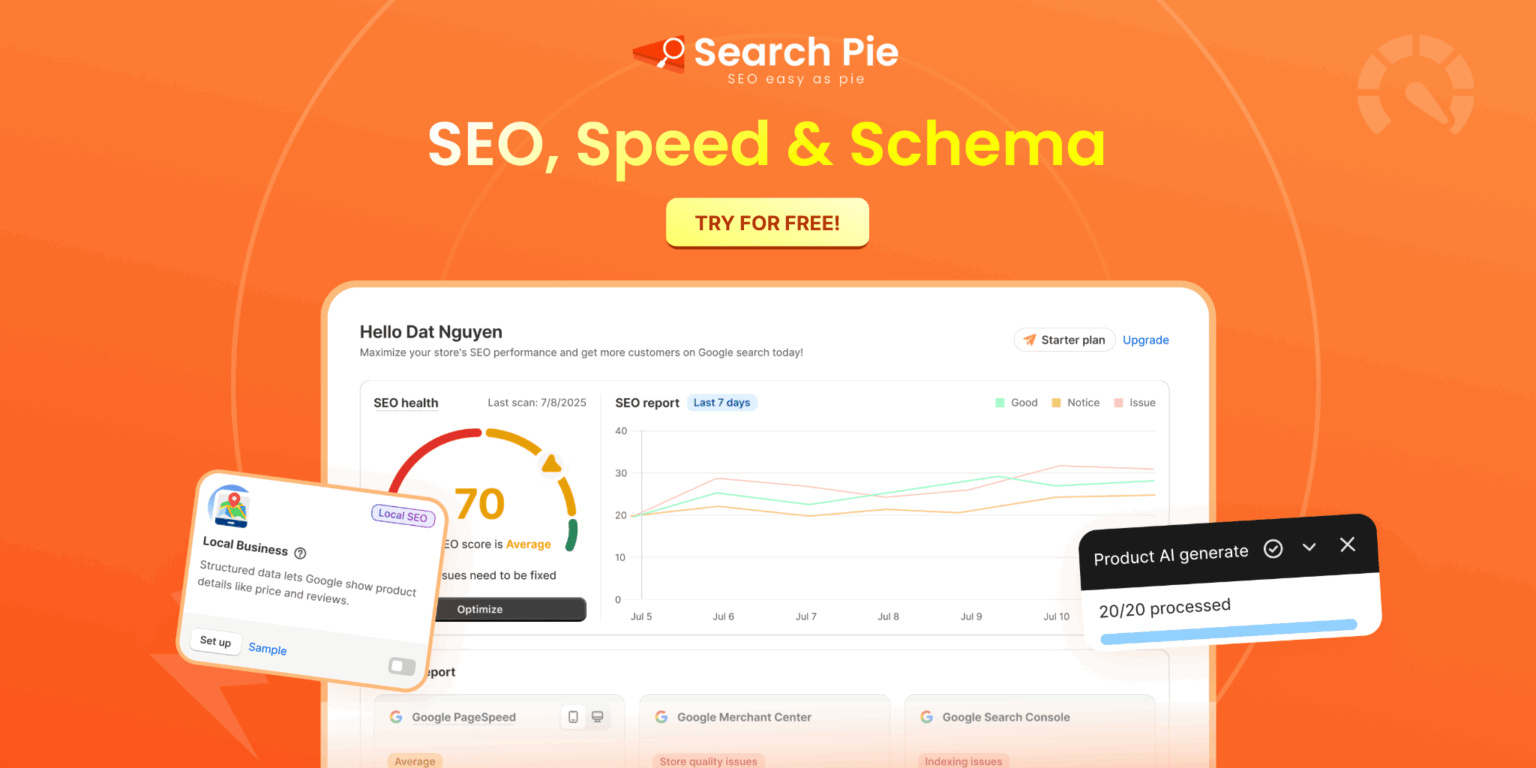
SearchPie’s Schema and Snippets feature automatically generates correct JSON-LD product schema for every product page in your store. It covers all required fields including price, availability, product name, and ratings so your product pages are eligible for rich snippets from day one. When you update a product’s price, add new products, or switch themes, SearchPie updates the schema automatically. You do not need to re-validate manually after every change.
Beyond product schema, SearchPie also manages your meta tags, alt text, image optimization, and page speed improvements in one place. This means your ecommerce schema improvements compound alongside your other SEO fixes rather than sitting in isolation.
For merchants who want schema markup for ecommerce websites handled correctly without touching code and without managing multiple apps, SearchPie is the most efficient choice available on the Shopify App Store.
Best for: Shopify merchants who want accurate product schema automatically maintained alongside a full suite of SEO tools.
Smart SEO
Smart SEO is an all-in-one SEO app that automates structured data alongside meta tags and alt text. It is a solid choice for merchants who want basic ecommerce schema handled automatically without advanced configuration options.
Schema Plus for SEO
Schema Plus focuses specifically on structured data and gives you fine-grained control over your schema output. It is a good option for merchants who want to customize exactly which schema properties appear on each page type.
JSON-LD for SEO
JSON-LD for SEO is a dedicated schema app with strong reviews and regular updates to stay current with Google’s requirements. It is purpose-built for structured data and handles product schema reliably across large Shopify catalogs.
How to Track Whether Your Product Schema Is Working
Timeline: Product schema errors fix and validate within days. Rich snippets can take 2 to 6 weeks to appear in search results after Google recrawls your pages. Click-through rate improvements from rich snippets take 8 to 12 weeks to show clearly in Search Console data.
Your Competitors Are Already Showing Rich Snippets. Start Today.
Every day your Shopify store appears in search results without star ratings, prices, and availability, you are giving shoppers a reason to click on a competitor instead. Product schema fixes that. It costs nothing in ad spend and works continuously once it is set up correctly.
Start with your top 10 product pages. Validate them in the Rich Results Test. Fix any errors. Then expand across your full catalog using an app like SearchPie to maintain your ecommerce schema automatically as your store grows.
The merchants who implement product schema correctly today will hold a visible advantage in search results for years. The ones who skip it will keep wondering why their competitor’s listings always seem to stand out.
Ready to get rich snippets working for your Shopify store?
SearchPie’s Schema and Snippets feature sets up correct product schema across your entire catalog automatically. No code required. No manual updates needed when products change. Combined with its full SEO toolkit, it is the fastest way to get your schema markup for ecommerce website right and keep it that way.
FAQs
Product Schema is structured data that helps Google understand product details like price, availability, reviews, and ratings on your Shopify store.
Product Schema can improve your visibility in Google search results by enabling rich snippets that attract more clicks and increase trust.
Most Shopify themes include basic Product Schema, while SEO apps and schema tools can add advanced markup like FAQs and review schema.
Yes. Product Schema makes it easier for AI systems and Google AI Overviews to understand and surface your products in search results.
Missing or invalid Product Schema can prevent Google from showing rich results, which may reduce visibility, click-through rate, and AI search discoverability.












Pingback: AI-Generated Content for Shopify: 4 Ways to Automate Your SEO Strategy - Brandignity