
Black Friday shoppers scan dozens of product pages in one sitting. They decide in seconds whether a page answers their question, shows the real discount, and makes buying easy. A product page that is slow, vague, or missing details loses the sale to a competitor who did the work.
This guide shows how to prepare your Shopify product pages for the sale. You will learn how to write titles and meta descriptions that match what shoppers search, how to improve descriptions and images, how to link related products, and how to check schema. It ends with a checklist you can use across your catalog.
Quick answer: How do I optimize Shopify product pages for Black Friday? Start with the top 20 products. Give each one a clear title, a unique meta description that mentions the offer, a description with buying details, compressed images with descriptive ALT text, links to related items, and accurate schema. Then test the page on mobile.
What Makes a Shopify Product Page Ready for BFCM?
A product page is ready for Black Friday when a shopper can answer four questions without leaving the page. What is it? Is the price real? Is it in stock? Why should I buy it now?
Many pages fail on one of these points. The title does not name the product clearly. The price shows a sale, but the search listing still shows the regular price. The page loads slowly on a phone. The stock status is wrong.
Use this table as a quick readiness test.
Start with products that already get traffic or sell well. A page with real demand gains the most from a small improvement.
Optimize Product Titles and Meta Descriptions
The product title is the H1 on your page and often the first thing Google reads. The meta description is the short text under the title in search results. Together they tell shoppers what the page offers and why they should click.
Seasonal keywords without keyword stuffing
Add a seasonal word only when it fits the product and the offer. For example, “Black Friday” can work in a meta description during the sale. It should not replace the product name in the title.
Avoid stuffing. A title such as “Black Friday Deal Shoes Sale Best Shoes Cheap Shoes” reads badly and can hurt clicks. Keep the title focused on the product, and let the meta description carry the offer.
A simple pattern works well: product name, key detail, brand. The meta description then adds the seasonal offer and a reason to click.
Before and after examples
Keep titles under 60 characters and meta descriptions between 120 and 155 characters. Check the length in your preview before saving. Do not put a discount percentage in the title, because the offer may end and leave the title outdated.
Edit these fields in Shopify admin under the Search engine listing section of each product. For a broader overview of on-page optimization, see our Shopify on-page SEO checklist, which covers keyword placement, metadata, and internal linking.
For stores with large catalogs, an SEO tool can reduce the time spent writing and reviewing metadata. SearchPie includes AI generation for meta titles and other SEO content, along with keyword audit tools to help check whether target keywords are placed appropriately. Review each suggestion before publishing, especially when product names, discounts, or seasonal offers change.
Improve Product Descriptions for Search and Shoppers
The description is where you answer the questions that stop a sale. It should help search engines understand the product and help shoppers decide.
Product benefits, details and buying information
Open with the main benefit in one or two sentences. Then list the details shoppers compare: size, material, weight, compatibility, and care. Finish with buying information, such as shipping time, return policy, and the sale deadline.
Write for a reader who is short on time. Short paragraphs and bullet points work well. Keep the description specific. “Waterproof to 10,000 mm” tells more than “weatherproof design.”
Avoid copying the manufacturer’s text word for word. Duplicate descriptions across many stores give Google little reason to choose your page. Add a sentence about how the product fits your customers, such as “Packs down to the size of a water bottle for day hikes.”
Put the most important buying information above the fold. A shopper should see the price, stock status, and shipping promise without scrolling far.
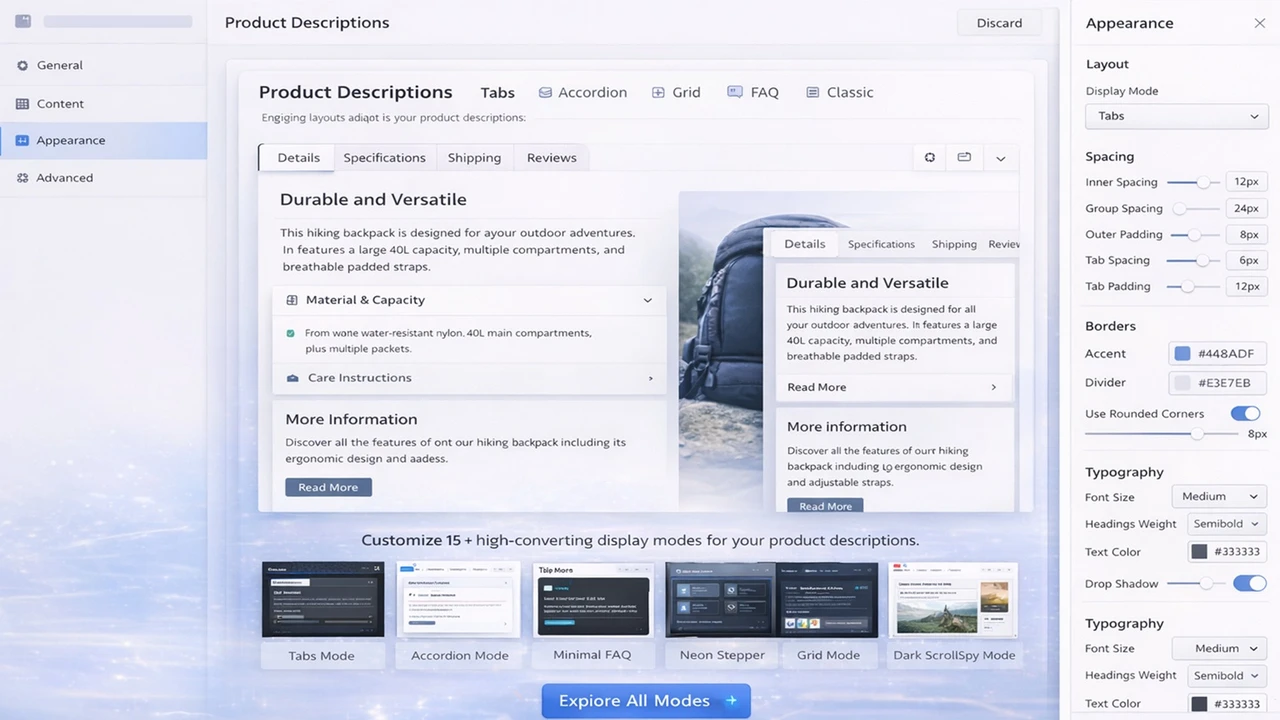
If you have hundreds of product descriptions to update before Black Friday, AI can help you create a first draft or rewrite repetitive copy. SearchPie supports AI-assisted product description generation in multiple languages and tones. Use it to speed up the editing process, then check that each description accurately reflects the product’s specifications, benefits, and policies.
Optimize Product Images and ALT Text
Images sell products, and they also affect speed. A Black Friday product page often carries several large photos. Each one can slow the page on a phone, where many sale shoppers browse.
Compress images before upload. Use WebP where your theme supports it, and keep file sizes small without visible loss. Check the main image on a mobile connection, because that is where delays show up first.
ALT text describes what an image shows. It helps screen reader users and gives Google context about the picture. Write it as a plain description, such as “Blue waterproof trail backpack with front pocket.” Include the product name where it fits, but do not list keywords.
Give each product page at least one image with clear ALT text. Use the product title as the base, then add the detail that differs between photos, such as color or angle. Avoid identical ALT text across several images.
Doing this by hand across hundreds of products takes time. A bulk tool helps, and the SearchPie section below explains how.
Add Relevant Internal Links
Internal links help shoppers move between related products and help Google find pages. Sale products often sit in one collection, which means they receive few links from elsewhere on the store.
Link each product page to two or three related items. Use anchor text that describes the destination, such as “waterproof trail backpacks” or “Black Friday hiking socks”. Avoid “click here” or “view product”.
Link from the product page back to its collection, so shoppers can compare options. Link the Black Friday collection from the homepage and main menu, so the sale pages receive internal authority.
Check for orphan products. A product with no links pointing to it is hard for shoppers and Google to find. Add it to a collection and link it from at least one related product. For more ways to organize products and promotions, read our guide to Shopify product tag best practices.
Check Product Schema Markup
Schema markup is structured data that tells Google the product name, price, stock status, and ratings. A product page can look correct to shoppers while the schema shows an old price or the wrong availability. That mismatch can cost you rich results during the sale.
Test one sale product in Google’s Rich Results Test. Confirm the price, currency, and availability match the page. Check that only one Product block appears in the page source, because duplicate schema from a theme and an app can conflict.
Make sure the discount is set in the variant price, not only at checkout. A discount applied only at checkout can leave the schema showing the regular price.
For a full walkthrough of schema errors and fixes, read our guide on product schema markup for Black Friday.
Optimize Product Pages in Bulk Before BFCM
Editing every product page by hand is slow. Work in batches, starting with the products that matter most for the sale.
Pick the top 20 products by traffic, revenue, or planned discount. Update their titles, meta descriptions, and ALT text first. Then move to the rest of the sale catalog in groups of 50 to 100 products.
Use one template for each product type, then edit the details. This keeps titles consistent and saves time. Review a sample of 10 products after each batch, because a template can produce awkward results for unusual items.
Set a deadline. Finish the top products at least two weeks before Black Friday, so Google has time to recrawl pages that changed. Freeze large product edits from November 21, when small mistakes become costly.
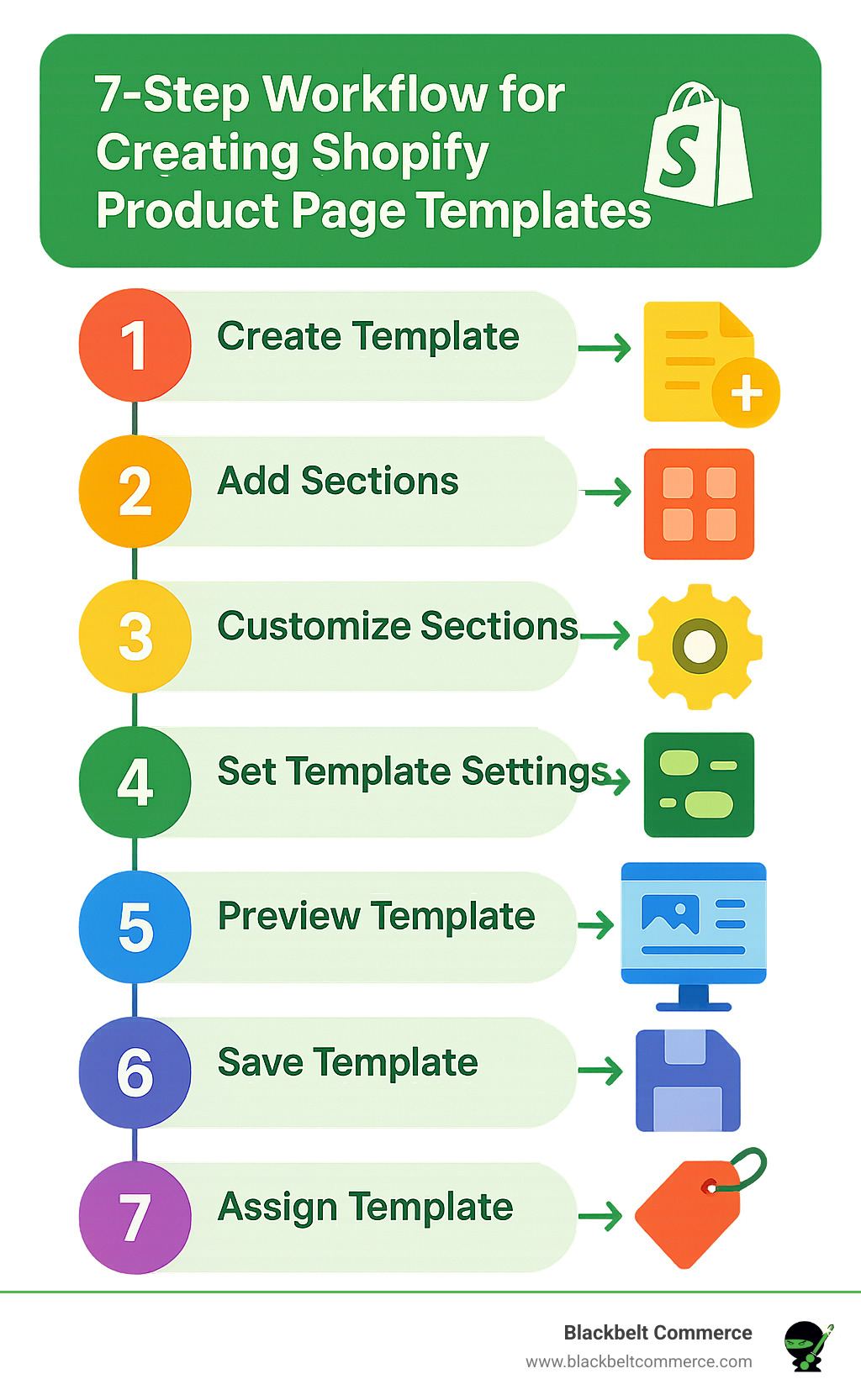
How Can SearchPie Help Optimize Your Product Pages for BFCM?
SearchPie is an all-in-one Shopify SEO and speed platform by PieLab. It holds the Built for Shopify badge and a 4.9 rating from over 2,440 merchant reviews. Its three features that matter most for product pages are below, in priority order.
Image SEO. SearchPie compresses JPG and JPEG product images in bulk, and it processes new uploads automatically. Compression is lossless, and a Restore option returns images to their originals if you need them. It also writes ALT text in bulk. You can use a default template such as product title, or build your own from variables like product title, shop name, product type, and price. For each image, AI can write a description tailored to that picture. You can choose to overwrite existing ALT text or fill in only the images that are missing it. This lets you finish the image step for a large catalog in one session instead of image by image.
SearchPie helps stores with many products and large photo galleries. Starter covers 50 compressions and 50 bulk ALT tags. Premium covers 500 of each, and Enterprise offers unlimited compression and automatic ALT tags.
Technical SEO and Indexing. SearchPie audits your store for duplicate meta titles, duplicate meta descriptions, and multiple H1 headings, which often come from theme conflicts. It flags orphan pages with no internal links and lets you add custom internal links with chosen anchor text. It also checks whether each URL is indexed, detects 404 links, and creates 301 redirects in bulk. Premium adds automatic redirects. This feature set supports the title, link, and indexing steps above, and it suits any store with a growing catalog.
Schema. Product schema outputs Product, Offer, and AggregateRating data, including price and stock availability. This keeps the search listing aligned with the page during the sale. Premium includes core schemas: Product, Blog Post, FAQ, Collection. Enterprise adds all six schema types (adds Local Business, Loyalty), which suits large catalogs with many collections.
SearchPie also readies your store for modern search behaviors. AI search readiness structures product data so AI tools can read and cite it. Speed optimization adds lazy loading and link preloading to image compression. Keyword tools help you check keyword placement in titles and headings. AI content generation writes or rewrites product descriptions and meta titles in several languages. Other features include backlink community, and Google Merchant Center integration to fix feed errors.
Which plan fits whom: Starter suits new or small stores that want to test the image and audit tools for free. Premium suits growing stores with dozens or hundreds of sale products that need schema and automatic redirects. Enterprise suits large catalogs, multi-language stores, and teams that want the monthly SEO roadmap and help fixing issues.
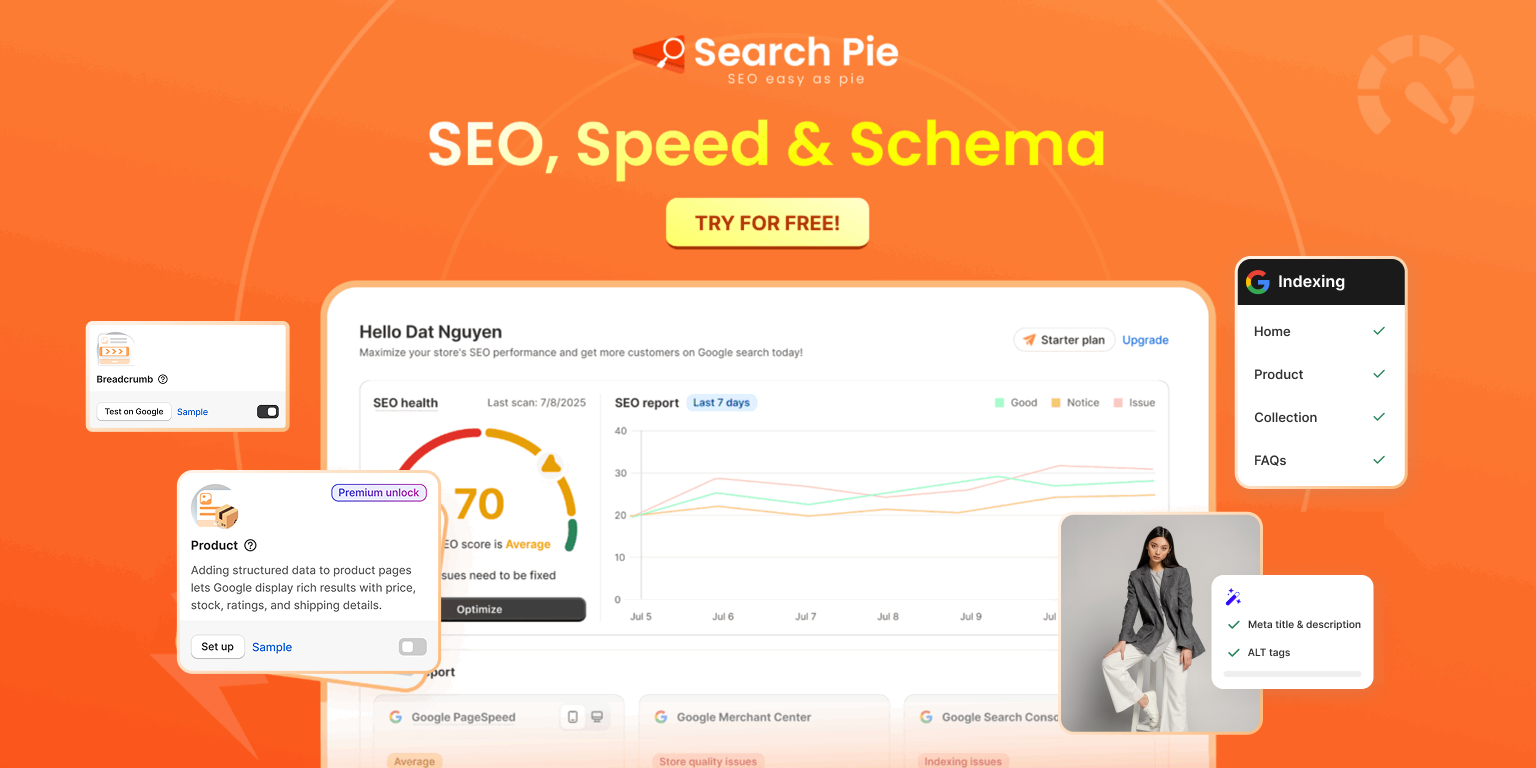
Product Page SEO Checklist
Readiness
- Each top product has a clear title with product type and key detail
- Sale price shows on the page and in schema
- Stock status matches inventory
- Offer and deadline appear near the buy button
Titles and meta descriptions
- Titles are under 60 characters and name the product
- Meta descriptions are 120 to 155 characters and unique
- Seasonal offer appears in the meta description, not the title
Descriptions
- Opening sentence states the main benefit
- Specifications and buying information are included
- Description is not copied from the manufacturer
Images
- Main image is compressed and loads quickly on mobile
- Each image has descriptive ALT text
- Duplicate ALT text is removed
Links and schema
- Each product links to two or three related items
- Product links back to its collection
- Only one Product schema block appears in the page source
- Rich Results Test passes for a sale product
Before Black Friday
- Top 20 products are finished two weeks before the sale
- Large product edits stop on November 21