

The Shopify App Store lists dozens of SEO apps. Most of them promise the same things: better metadata, faster pages, improved schema, and higher rankings. Most of them also have nearly identical feature lists that make it almost impossible to compare them honestly. Choosing among the best Shopify apps without a clear framework often means guessing rather than deciding.
The best Shopify apps for SEO are not the ones with the longest feature lists. They are the ones that solve your store’s biggest SEO gap without adding unnecessary cost, duplicate code, or performance issues. A store with 50 products needs a different app than one with 10,000, which is why the best Shopify apps rarely serve every store equally well. A store struggling with slow images needs something different from one with broken links and schema errors.
This guide compares 8 of the most widely used Shopify SEO apps against the criteria that actually matter in 2026: schema coverage, AI search readiness, speed impact, pricing, automation, and support. It includes honest limitations for every app, including SearchPie, which is one of the apps in this list. Every recommendation here is built around what actually makes the best Shopify apps worth paying for.
Summary
- Section 1: Quick Answer: Which Shopify SEO App Fits Which Need?
- Section 2: Do You Actually Need a Shopify SEO App?
- Section 3: 2026 Checklist: 8 Criteria to Evaluate Any Shopify SEO App
- Section 4: Full Comparison of the Best Shopify SEO Apps
- Section 5: In-Depth Reviews of the Top Shopify SEO Apps
- Section 6: Which Shopify SEO App Fits Your Store?
- Section 7: Common Mistakes When Choosing a Shopify SEO App
- Section 8: Why SearchPie Is the Best Shopify SEO App for Long-Term Growth
Quick Answer
If you need a fast decision before reading the full guide, this table summarizes the best fit for each common store need.
Do You Actually Need a Shopify SEO App?
Shopify already handles several SEO fundamentals out of the box. Understanding what the platform covers helps you identify where an app actually adds value. It also helps you recognize why the best Shopify apps focus on gaps rather than duplicating built-in features.
Shopify already handles:
- XML sitemap generation and updates
- Basic canonical tags
- Editable title and meta description fields
- Image alt-text fields
- Basic URL redirects
- Basic robots.txt configuration
- Mobile-responsive storefront foundation
An SEO app becomes useful when you need:
- Bulk optimization across hundreds or thousands of pages
- More complete structured data
- Automatic broken-link detection
- Image compression and page speed improvements
- AI-generated metadata at scale
- Indexing checks and Search Console integration
- Continuous SEO monitoring — a feature that increasingly separates the best Shopify apps from basic ones
- Guidance from SEO specialists
If your store has a small catalog and you can manually maintain every important page, you may not need a paid SEO app at all — but this is the exact moment most merchants start researching the best Shopify apps just in case. As your product count, image volume, and SEO issues grow, the right app saves significant time and reduces the risk of missing problems at scale. This is precisely where the best Shopify apps earn their subscription cost.
This is directional guidance, not a ranking of the best Shopify apps. Every app has genuine trade-offs explained in the sections below. Reading through these trade-offs is the fastest way to identify the best Shopify apps for your specific catalog.
2026 Checklist: 8 Criteria to Evaluate Any SEO App
Criterion 1: Schema Support
Not all schema coverage is equal. The question is not just “does this app support JSON-LD?” but which specific schema types it covers and on which plan. Understanding this distinction is central to comparing the best Shopify apps fairly.
What to check:
- Product and Offer schema with price and availability
- Aggregate rating and review data
- Breadcrumb schema
- FAQ schema
- Article or blog schema
- Organization schema
- Shipping and return policy data
- Compatibility with your review app
- Ability to detect and remove duplicate schema
App comparison:
- SearchPie offers store and breadcrumb schema on the free plan, product price, rating, and FAQ schema on Premium, and sitelink and article structured data on Enterprise. The advantage is schema sitting alongside indexing and Search Console workflows in one place. The limitation is that deeper schema types require higher plans.
- TinySEO supports JSON-LD with shipping and return policy data and extended structured data on higher tiers. Schema is not the primary focus but is included meaningfully alongside image optimization.
- Avada divides schema into Basic, Pro, and Advanced tiers. The exact schema types per tier are not always described clearly in the listing, so merchants should confirm before purchasing.
- Smart SEO includes JSON-LD from the Pro plan and can remove conflicting microdata from themes, which is a useful feature for stores with schema already injected by their theme.
- Tapita provides essential JSON-LD schemas on the free plan and full JSON-LD on the Basic paid plan, making it accessible at a lower price point than most alternatives.
Buyer checklist for schema:
- The app lists each schema type explicitly
- Schema includes price, availability, and review data
- The app checks for duplicate or conflicting schema
- You can preview output in Google Rich Results Test
- You do not need a separate schema app
Getting this right is one of the clearest signals that separates the best Shopify apps from basic alternatives.
Criterion 2: AI Search and AEO Readiness
Using AI to write meta descriptions is not the same as being ready for AI search. True AI and AEO readiness means helping your store appear in answers generated by tools like ChatGPT, Copilot, Perplexity, and Google AI Overviews. This is quickly becoming one of the defining tests for the best Shopify apps in 2026.
What to check:
- LLMs.txt or equivalent AI discovery file
- Structured product information for AI parsing
- AI-generated metadata with human review capability
- FAQ or answer-friendly content support
- Indexing support
- AI visibility reporting
App comparison:
- SearchPie includes AI-generated SEO tags across all plans with different quotas. Full AEO optimization and LLMs.txt are available at the Enterprise level ($99/month). The strength is that AEO connects to schema, indexing, keyword exploration, and technical SEO as a unified workflow. The limitation is that merchants need the $99 plan to access the complete AEO feature set. Even so, SearchPie remains one of the best Shopify apps for merchants who want AEO and schema in a single workflow.
- TinySEO includes LLMs.txt, LLMs-full.txt, AI metadata, and IndexNow on the Advanced plan. AI search features are accessible at a lower entry price than SearchPie’s full AEO tier. The focus leans more toward technical discovery than content strategy. That trade-off is common among the best Shopify apps that specialize in speed and images.
- Tapita includes LLMs.txt from the free plan, with coverage expanding as the plan level increases. AI metadata, keyword research, and AI guidance are available across paid plans.
- Booster SEO lists LLMs.txt, structured data, and AI-optimized meta tags in its current listing. The app favors automation over manual configuration. The depth of AI visibility measurement per plan is not always clearly specified.
- Yoast SEO includes AI title and meta suggestions, structured data, and an llms.txt file. The strength is combining AI with content readability guidance. The limitation is the absence of a dedicated speed, image compression, or broken-link management suite.
Criterion 3: Speed Impact and Image Optimization
An SEO app should improve your store’s performance, not add to its load. Every app injects some code into your storefront. The question is whether the speed improvements outweigh the added weight.
What to check:
- Image compression quality and monthly quota
- Image backup and restore capability
- Lazy loading implementation
- CSS and JavaScript minification
- Preloading
- Ability to disable individual speed features
- Core Web Vitals before and after installation
App comparison:
- SearchPie includes instant load, 50 image compressions, and CSS minification on the free plan. The Premium plan adds 500 images, JavaScript minification, and lazy loading. Enterprise has unlimited image compression, a tier that puts SearchPie among the best Shopify apps for large image libraries. The image quota on the $39 plan is lower than dedicated image optimization competitors.
- TinySEO is the strongest choice for image-heavy stores. The $14 Beginner plan includes 1,500 image optimizations per month. The $23 Advanced plan includes 5,000. Resizing, backup, lazy loading, and minification are all included. Merchants with modest image needs may not take full advantage of the app’s core strength.
- Avada offers unlimited image optimization from the Pro plan at $34.95 per month. The Turbo speed booster is available at Pro, with a Rocket tier at Enterprise. The image quota is competitive. Merchants should verify which automations are enabled by default and what changes are made to the theme. This kind of transparency is what buyers should expect from any of the best Shopify apps before installing.
- Tapita includes 900 image compressions per month and instant page speed on the free plan. Advanced speed features expand on paid plans. This is a strong starting point for merchants testing speed optimization with limited budget.
Buyer checklist for speed:
- Measure PageSpeed before installing
- Test at least your homepage, one collection page, one product page, and one blog post
- Enable one speed feature at a time
- Confirm you have a backup of images
- Measure LCP, INP, and CLS after each change
- Check what code remains if you uninstall
Following this SEO checklist protects you from cleanup problems, something the best Shopify apps handle gracefully.
Criterion 4: Automation Quality
More automation is not automatically better. The right automation level depends on your catalog size, your team’s capacity to review changes, and your tolerance for bulk modifications going live without preview.
What to check:
- Meta title and description templates
- Bulk editing controls
- Image alt-text automation
- Broken-link auto-redirect
- Automatic audits
- Preview before publishing
- Change history and rollback
SearchPie is strong for bulk tags, alt text, automatic broken-link fixes, and indexing workflows. Avada and Booster lean toward auto-fix and autopilot behavior. Smart SEO offers a balanced approach between manual control and bulk automation. Yoast favors guided optimization over fully automated decisions. Plug In SEO is better suited for audit and diagnosis before applying fixes. Automation quality is one of the most overlooked differences among the best Shopify apps.
Criterion 5: Crawling, Indexing, and Broken Links
SearchPie suits merchants needing 404 detection, redirects, indexing checks, and Search Console support in one workflow. TinySEO includes redirects, IndexNow, and broken-link management on paid tiers. Avada has a broken-link manager, sitemap generator, and robots.txt editor on the Pro plan. Smart SEO includes broken-link detection, redirects, sitemap management, and noindex controls. Plug In SEO is strong for audit-led workflows with one-click broken-link redirects. Yoast is not a primary tool for broken links or redirects. Broken-link handling alone can be a deciding factor when comparing the best Shopify apps.
Criterion 6: Real Pricing
The advertised starting price is rarely the price you will pay for the features your store actually needs.
Cost factors to check:
- Monthly subscription
- Product or page limits
- Monthly image quota
- AI generation credits
- Usage-based charges
- Surcharges based on your Shopify plan
- Features locked behind the highest plan
- Cost of additional apps needed to fill gaps
A $10 plan may cost more in practice if it charges extra for your Shopify tier, limits the number of pages audited, or requires a second app for schema or image optimization. Real pricing transparency is a hallmark of the best Shopify apps worth recommending.
Criterion 7: Support Quality
What to check:
- Live chat versus email only
- 24/7 availability
- SEO specialists versus general support agents
- Help with Search Console or schema errors specifically
- Theme and app conflict troubleshooting
- Migration and uninstall support
SearchPie offers 24/7 support from the free plan and custom SEO expert support at Enterprise. TinySEO has 24/7 support with priority support on higher tiers. Tapita offers 24/7 chat on the free plan with hands-on SEO and Search Console help at Pro. Avada offers one-on-one consulting and expert support at Enterprise. Plug In SEO offers live chat and an expert call on Standard and Premium plans. Support quality often separates the best Shopify apps from apps that are cheap but hard to get help from.
Criterion 8: Control, Reversibility, and Safe Removal
This criterion separates apps that are safe to test from ones that require significant cleanup if they do not work for your store.
Questions to ask:
- Will the app overwrite my existing metadata?
- Can I preview bulk updates before they go live?
- Can I exclude specific pages from automation?
- Does it back up images and metadata?
- What code remains after uninstalling?
- Does support help with cleanup?
Safe removal and reversibility are non-negotiable criteria for the best Shopify apps in this guide.
Full Comparison Table
The table below lines up the best Shopify apps side by side across every criterion covered so far.
Pricing and features below are based on Shopify App Store listings as of 29 July 2026. Verify before purchasing, as plans change.
App-by-App Reviews
SearchPie – Best for All-in-One SEO, Speed, Schema, and Support
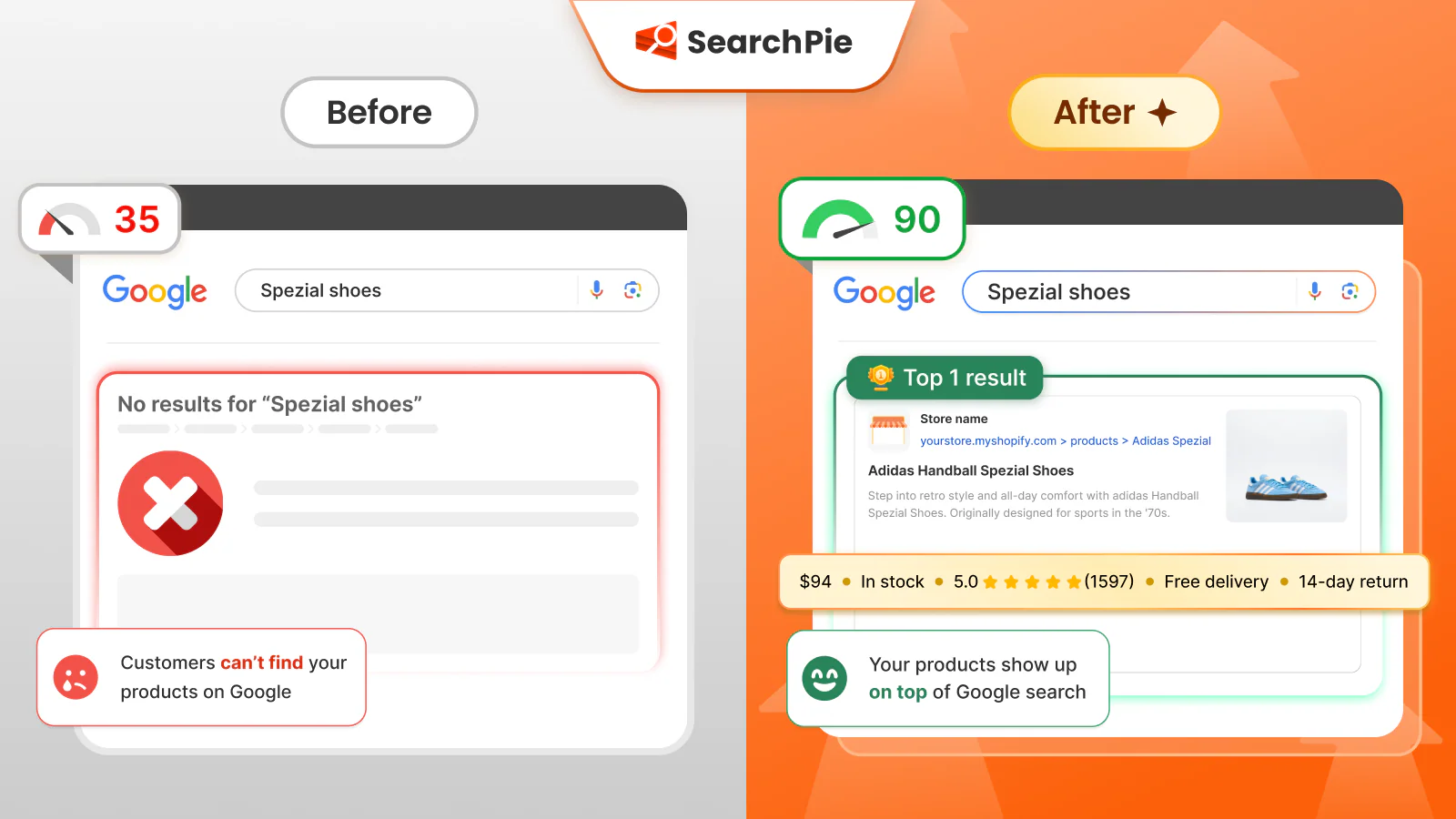
Best for: Stores that want technical SEO, metadata, schema, speed optimization, indexing, and hands-on support managed in one app.
Key strengths:
- Broad schema coverage from free to Enterprise
- Image and speed optimization at every plan level
- Broken-link detection and redirects
- Indexing and Search Console workflow integration
- AI metadata generation
- 24/7 support with SEO expert access at Enterprise
Honest limitations: The $39 starting paid plan is higher than TinySEO, Smart SEO, Tapita, and Yoast. Full AEO, LLMs.txt, and the highest AI tag quota are locked at the $99 Enterprise plan. Merchants who primarily need image compression will find better per-image value at TinySEO or Avada.
Verdict: SearchPie fits best when the priority is reducing the number of apps installed and when responsive, knowledgeable support is treated as a core product feature rather than an add-on. Among the best Shopify apps compared here, it offers the broadest single-app coverage.
TinySEO — Best for Image-Heavy Stores
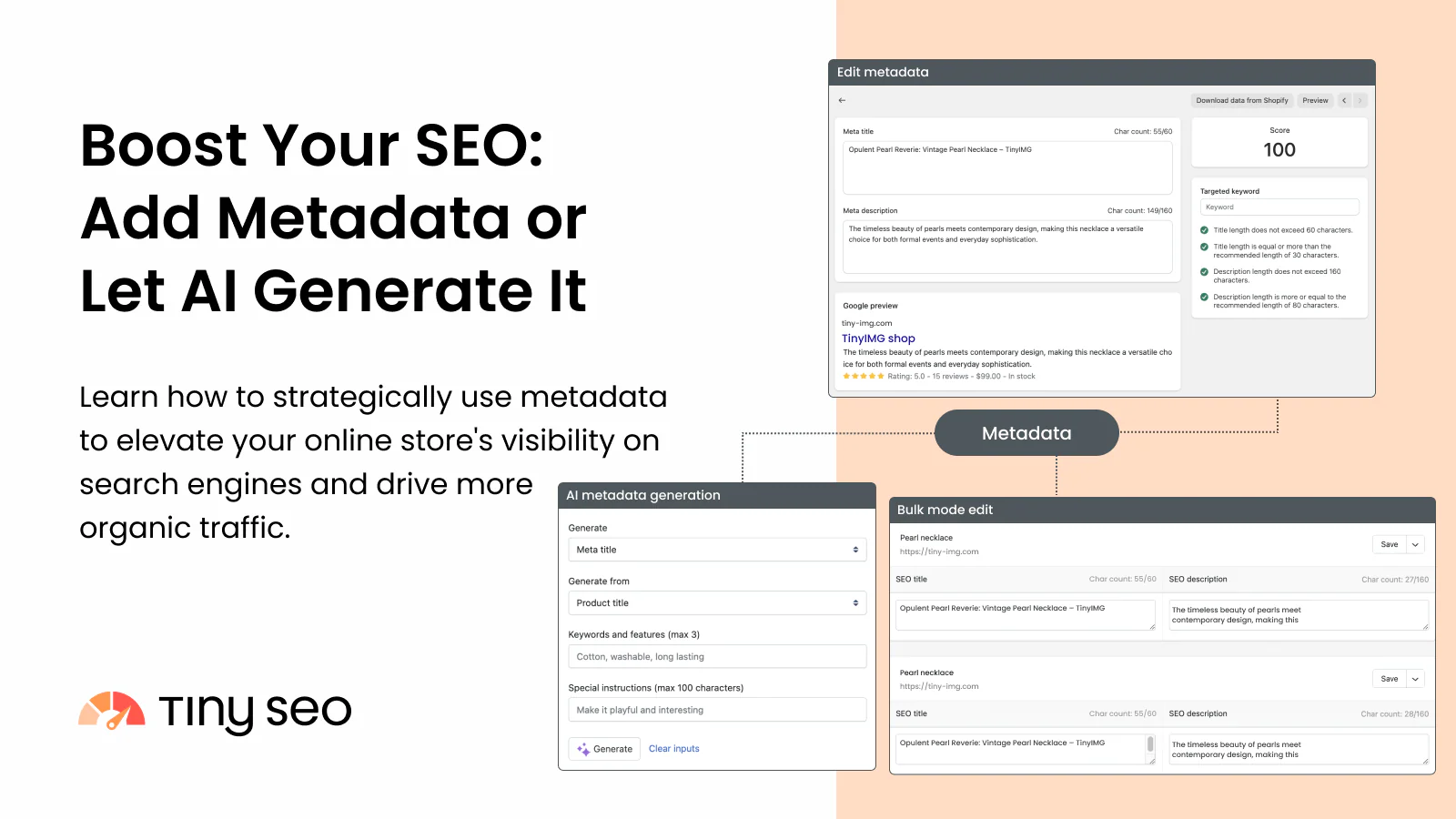
Best for: Stores with large image catalogs where page speed and compression are the primary SEO bottleneck.
Key strengths:
- 1,500 image optimizations per month at $14
- Resizing, backup, lazy loading, and minification included
- AI metadata and LLMs.txt at the Advanced tier
- IndexNow for faster indexing
Honest limitations: The app’s primary focus is images and performance rather than content guidance, broader indexing strategy, or hands-on SEO support.
Verdict: Choose TinySEO when image volume and page speed are your biggest bottlenecks. Choose a broader app when your main needs include indexing workflows, schema depth, or hands-on SEO guidance. It remains one of the best Shopify apps specifically for image-heavy catalogs.
Avada — Best for Broad Automation and Image Allowance
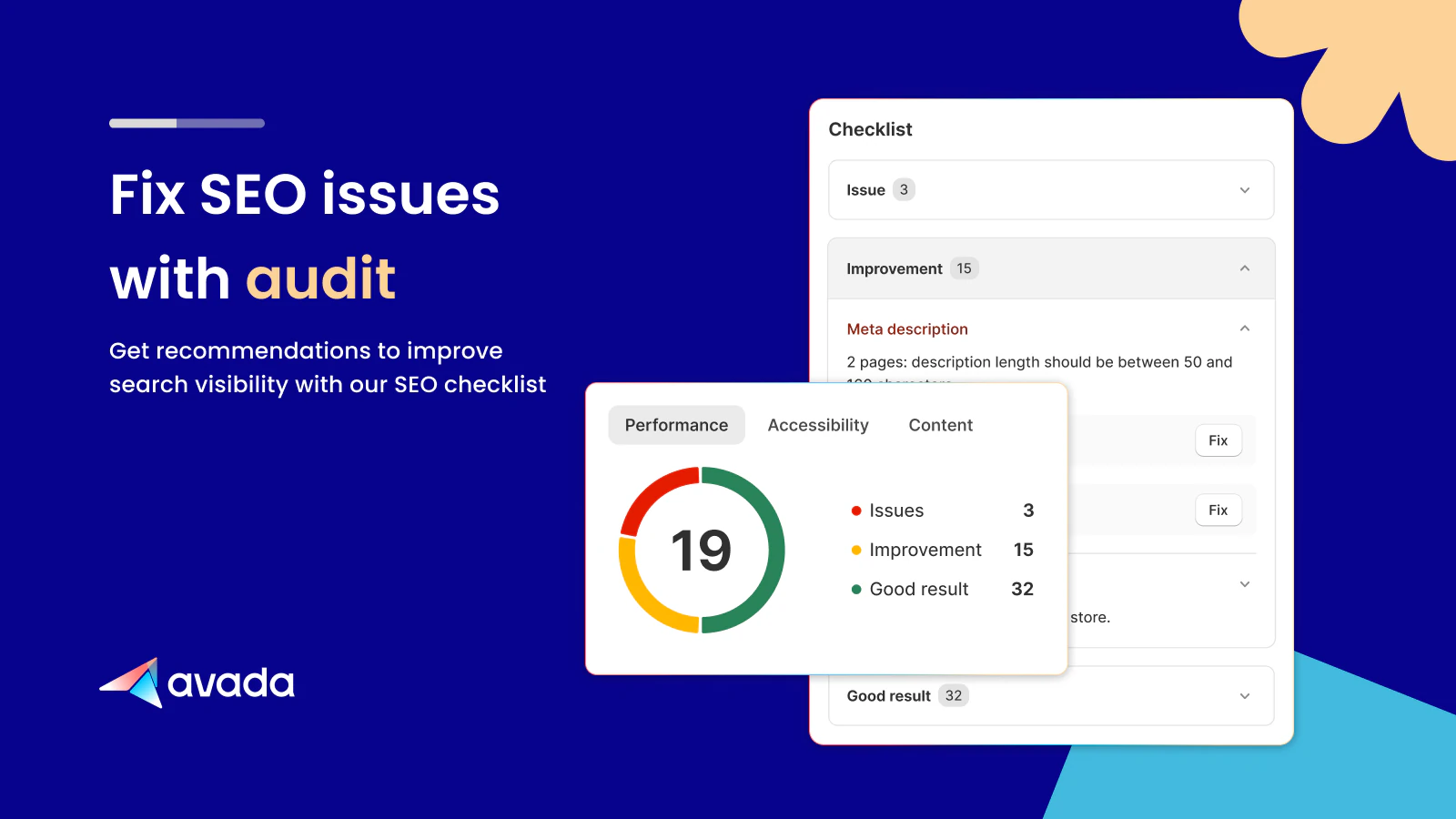
Best for: Stores that want comprehensive automation across metadata, images, and technical SEO with a competitive image quota.
Key strengths:
- Unlimited image optimization from Pro
- Turbo and Rocket speed tiers
- Broad automation including AI audits and credits
- Expert 24/7 support at Enterprise
Honest limitations: The exact schema coverage per tier is not always clearly described in the listing. Wide automation requires careful configuration to avoid unintended sitewide changes.
Verdict: Avada offers strong feature-to-price value for stores that want broad automation, but merchants should verify which automations are enabled by default and test schema output before applying changes across the full catalog. Avada is a strong contender among the best Shopify apps for merchants prioritizing automation.
Smart SEO — Best Balanced Mid-Range Toolkit
Best for: Merchants wanting metadata, schema, images, and broken-link management without immediately committing to a high-priced all-in-one suite.
Key strengths:
- Good balance across core SEO functions
- JSON-LD from Pro
- Removes conflicting microdata from themes
- Broken-link detection and redirects
Honest limitations: Free plan quotas are limited. Full automation and dedicated support require higher tiers.
Verdict: Smart SEO works well as a balanced option for stores that have outgrown free tools but are not yet ready for the pricing of SearchPie or Avada. It sits comfortably in the middle tier of the best Shopify apps by price and feature depth.
Tapita — Best Low-Cost Entry Point
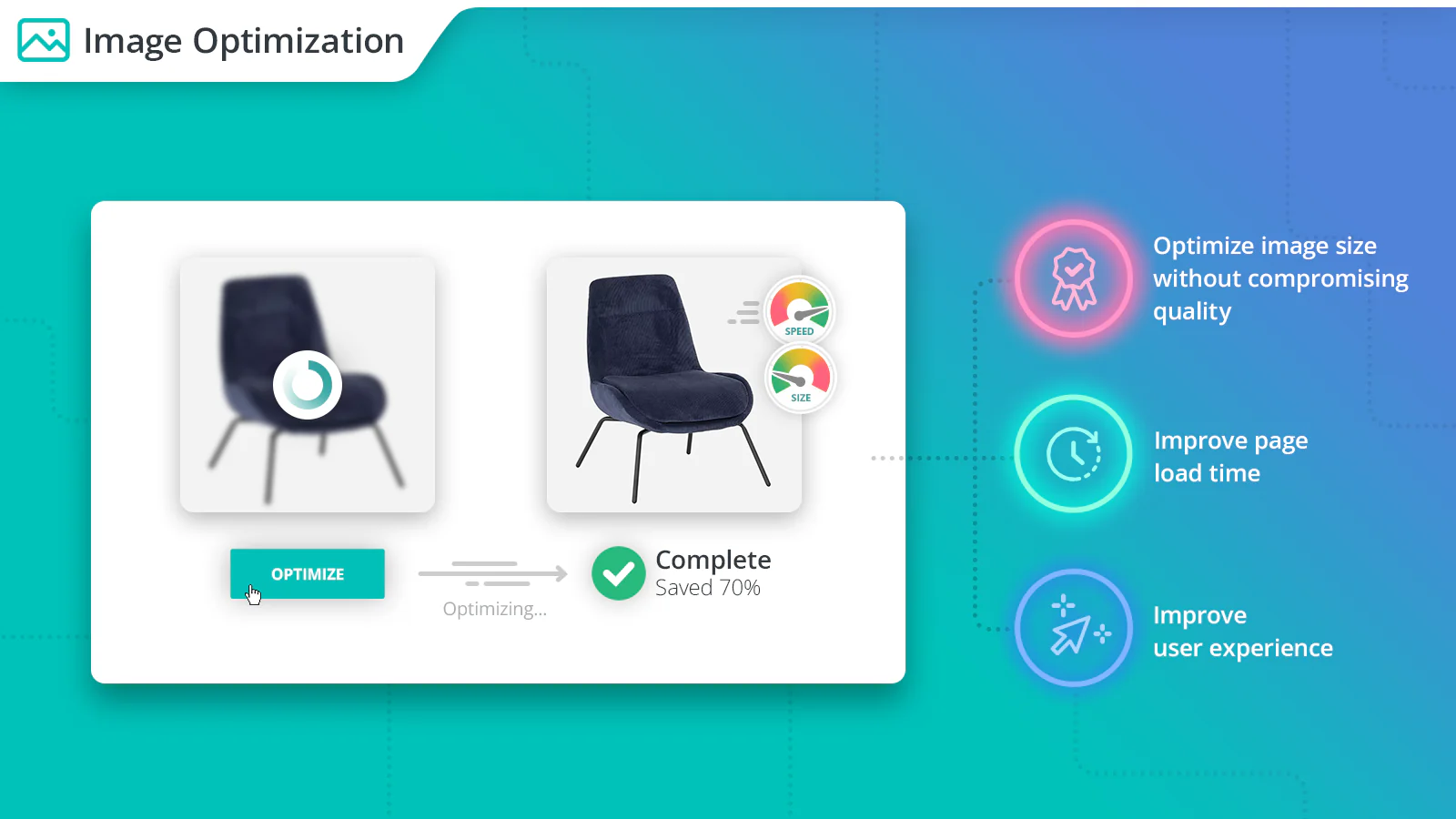
Best for: New stores and budget-conscious merchants who want to test SEO automation without a significant upfront commitment.
Key strengths:
- Essential schema and LLMs.txt on the free plan
- Lowest advertised starting price in this comparison
- AI guidance, keyword research, and 900 image compressions free
Honest limitations: The final cost should be calculated using your specific Shopify plan because surcharges apply. Audit coverage, AI credits, and page limits vary significantly by tier.
Verdict: Tapita is the most accessible starting point in this comparison, but merchants should calculate their actual monthly cost before assuming it remains the cheapest option at their store’s scale. Tapita is regularly listed among the best Shopify apps for merchants just getting started.
Booster SEO — Best for Autopilot Workflows
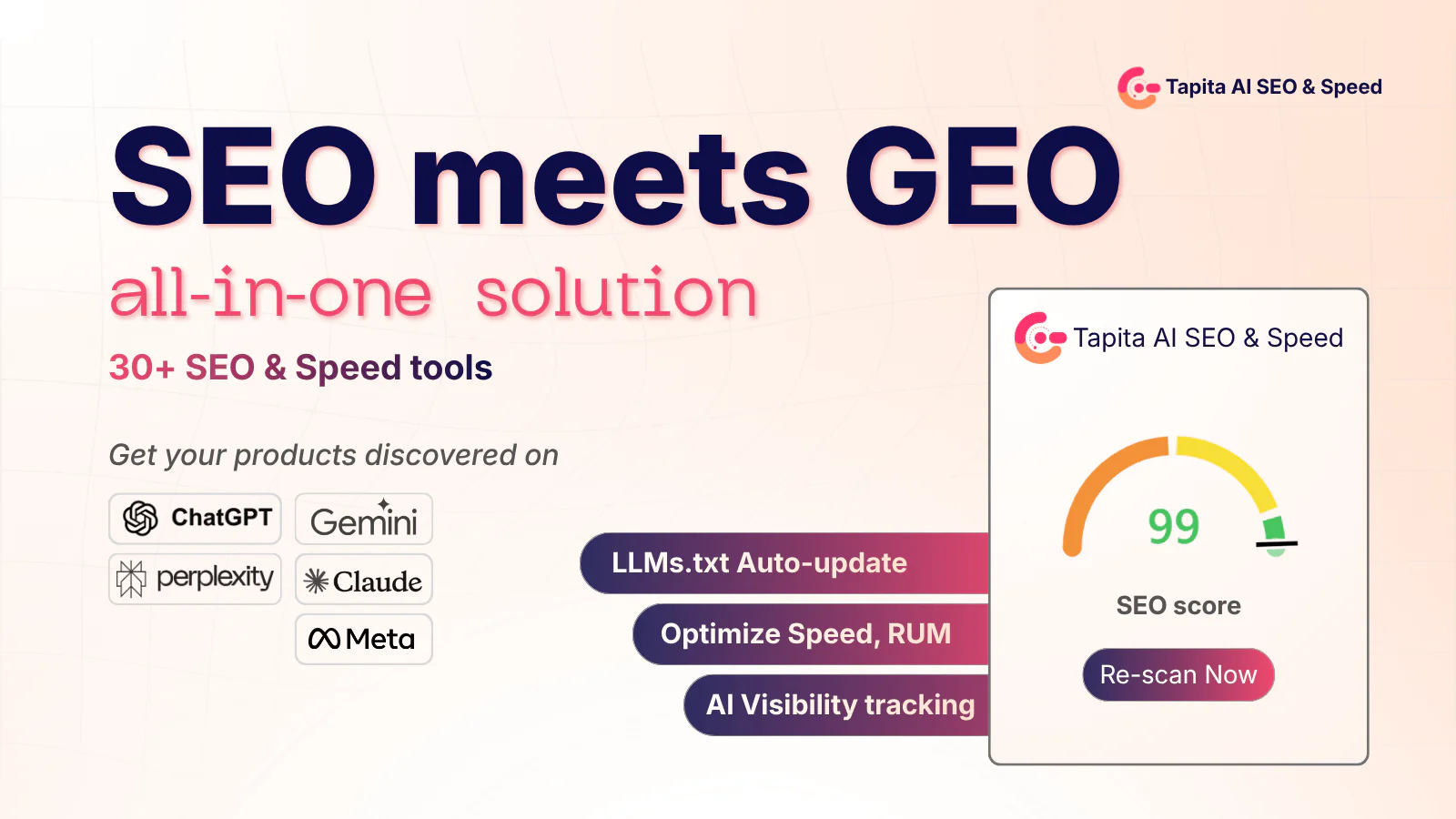
Best for: Merchants who prefer ongoing automated fixes and monitoring with minimal manual intervention.
Key strengths:
- Strong automation and continuous SEO monitoring
- LLMs.txt, AI metadata, and automated fixes
- 24/7 SEO support
Honest limitations: Full image compression is at the $69 tier rather than the $39 entry point. Less suitable for merchants who want granular control over which changes are applied.
Verdict: Booster suits merchants who are comfortable delegating a large portion of SEO maintenance to automation. Merchants who want to review and approve changes before they go live may prefer a more manual-control approach. For hands-off merchants, Booster ranks among the best Shopify apps for ongoing maintenance.
Plug In SEO — Best for Audits and Guided Diagnosis
Best for: Merchants who want to identify and understand their SEO problems before fixing them, rather than applying automated changes.
Key strengths:
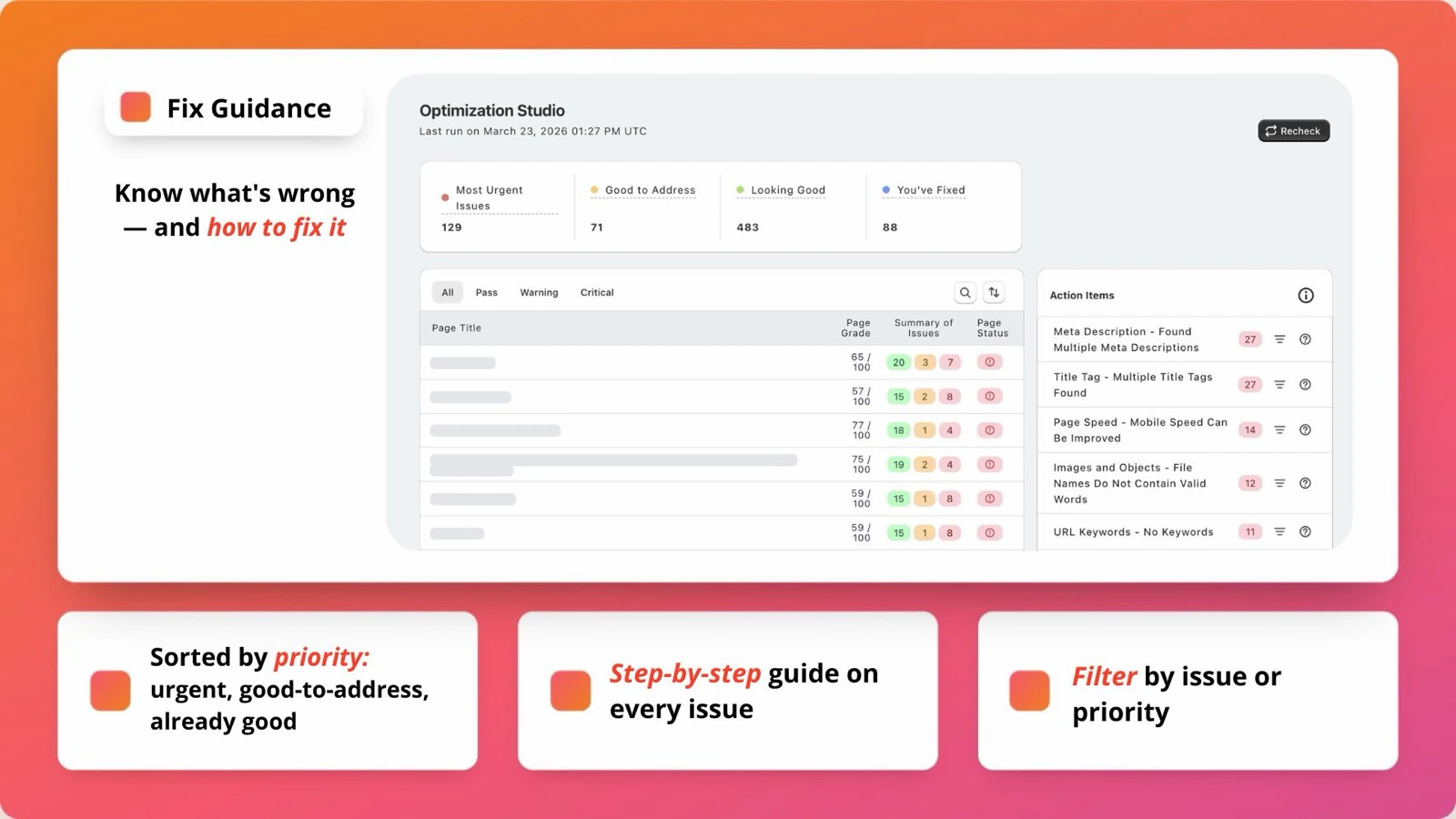
- Clear audit and keyword-research workflow
- One-click broken-link redirects
- Expert call available on higher plans
Honest limitations: No free plan. Page scan frequency and audit depth are limited by plan tier. Not primarily an image compression or speed optimization tool.
Verdict: Plug In SEO is better positioned as an audit and diagnosis tool than as the primary technical SEO solution for image, speed, or AI-search optimization. It remains one of the best Shopify apps for merchants who want a clear audit trail first.
Yoast SEO — Best for Content and Readability
Best for: Content-led stores and teams that actively optimize product descriptions and blog posts alongside technical SEO.
Key strengths:
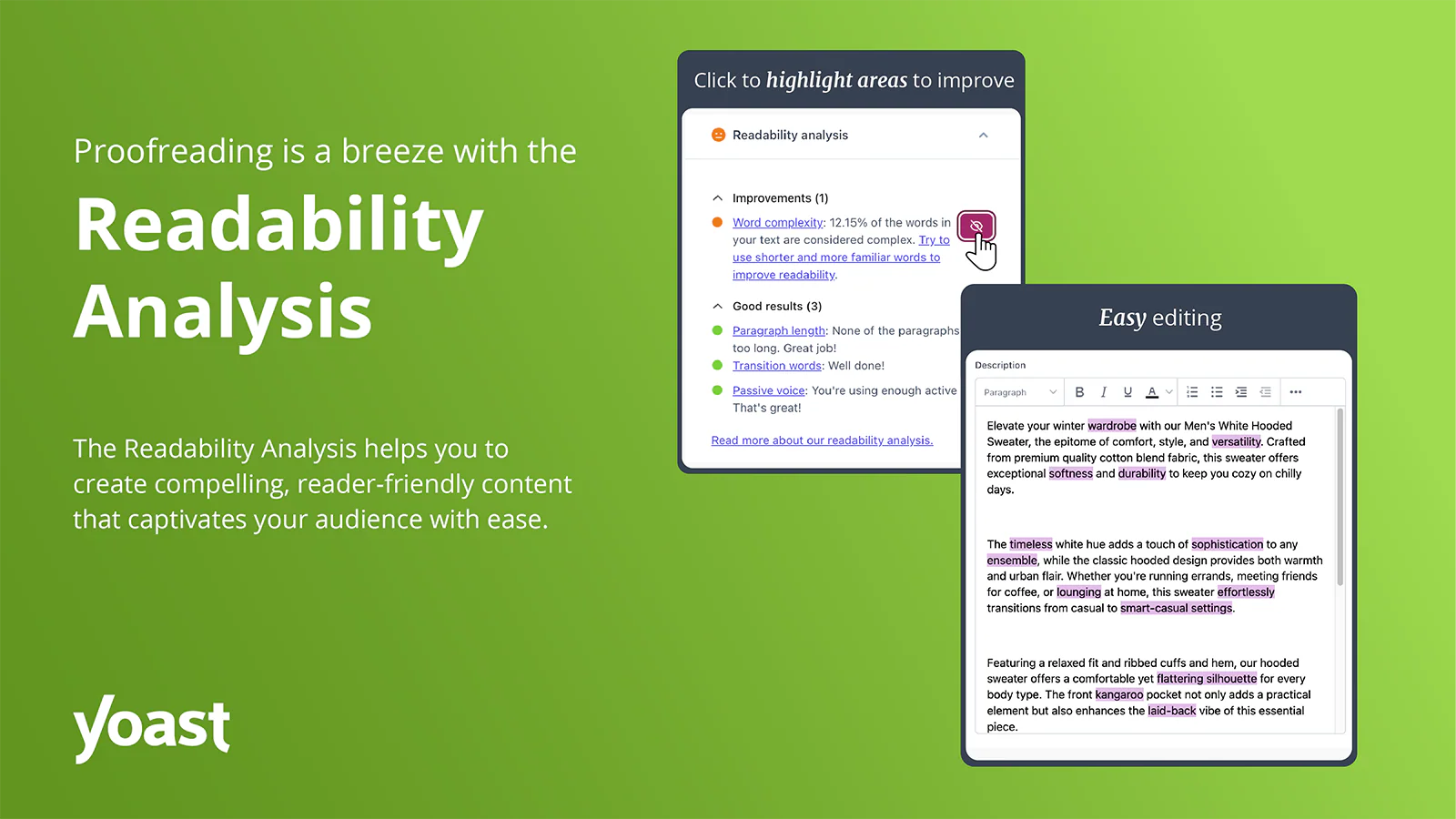
- Strong readability analysis and guided on-page optimization
- AI title and meta suggestions
- Automatically generated structured data
- LLMs.txt included
Honest limitations: No dedicated image compression, broken-link management, or page speed suite. May need pairing with another app for technical performance.
Verdict: Yoast is a strong choice for teams that treat content quality as a primary ranking factor, but it works best when paired with a dedicated speed or image optimization solution. Yoast continues to be one of the best Shopify apps for content-first SEO strategies.
Which App Fits Your Store
Common Mistakes When Choosing an SEO App
- Choosing the app with the longest feature list. Identify your specific bottleneck first — whether that’s images, metadata, schema, indexing, or content — then choose the app that solves that problem best.
- Installing multiple overlapping apps. Two apps generating schema, lazy loading, or metadata simultaneously can create conflicts and duplicate output that is harder to debug than the original problem.
- Comparing only the advertised starting price. Always calculate the real monthly cost using your actual product count, monthly image volume, AI credit needs, and Shopify plan tier. The cheapest entry price often does not reflect the total cost at your store’s actual scale.
- Turning on every automation immediately. Enable one module at a time, test on a representative group of pages, measure the result, then expand. Applying all automation at once makes it impossible to identify which change caused a problem.
- Treating AI-generated content as finished. AI metadata and descriptions need human review before publishing. Unchecked AI output can introduce product claim errors, keyword repetition, and descriptions that don’t match actual product variations.
- Expecting the app to replace an SEO strategy. Even the best Shopify apps can fix technical issues and reduce manual work. They cannot create market positioning, generate search demand, build authoritative backlinks, or replace a well-developed content strategy. Avoiding these mistakes is the surest way to get real value out of the best Shopify apps you choose.
Final Recommendation
There is no single best Shopify app for every store. Still, understanding the strengths of each of the best Shopify apps makes the decision far easier.
TinySEO may be the stronger value for image-heavy catalogs. Yoast is better suited to content-led optimization. Tapita offers the lowest-cost entry point for new merchants. Smart SEO provides a balanced mid-range option. Booster SEO is the right fit for merchants who prefer automation over manual control.
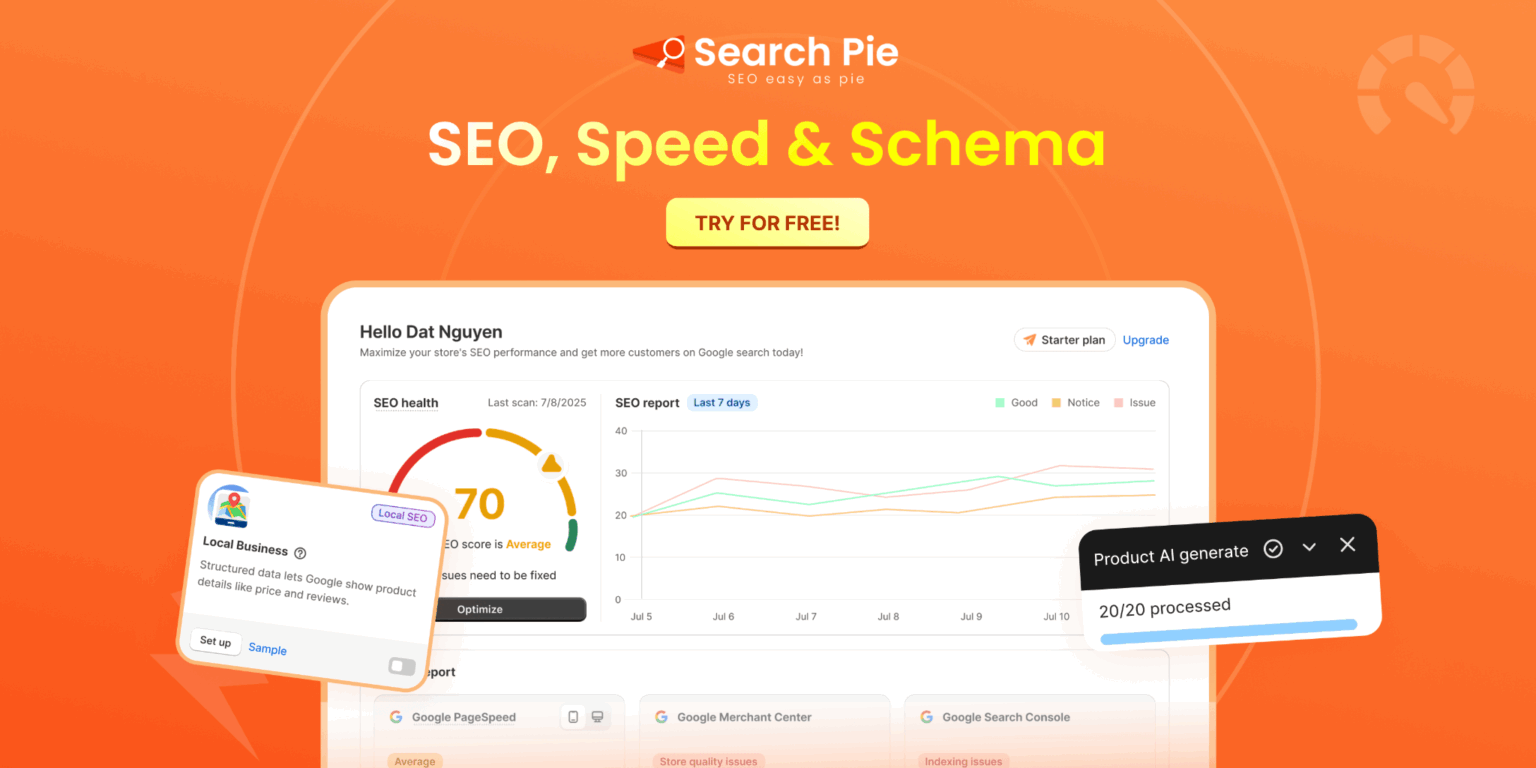
SearchPie is a strong fit for merchants who want schema, speed optimization, indexing tools, metadata automation, and hands-on SEO support in a single platform. It is not the cheapest option if you only need image compression, and the full AEO feature set requires the Enterprise plan. But for merchants who want to reduce the number of apps installed and value responsive, specialist support, it covers more ground in one place than most alternatives. That combination is why SearchPie is frequently named among the best Shopify apps for 2026.
Not sure which SEO issue to fix first? Run a free SEO audit with SearchPie and review your store’s schema, speed, metadata, and broken links before choosing a paid plan. Comparing your results against the best Shopify apps featured in this guide will show you exactly where to start.
FAQS
The best Shopify apps depend on what you want to achieve. For SEO, SearchPie: SEO, Speed & Schema is a strong choice for improving rankings, page speed, and structured data. For product badges, labels, and visual merchandising, DECO Product Labels & Badges helps increase product visibility and conversions without coding.
The best AI apps for Shopify help with content creation, SEO, customer support, product recommendations, and marketing automation. Choose one that matches your store’s growth stage and business needs.
Not always. Small stores can handle basic SEO manually, but an SEO app saves time by automating tasks like meta tags, image optimization, schema markup, and technical SEO checks.
Look for features such as automated SEO audits, schema markup, image optimization, broken link detection, keyword optimization, and ongoing maintenance. The best app should also be easy to use and regularly updated.
SEO apps can improve your store’s technical SEO and on-page optimization, making it easier for search engines to crawl and understand your site. Better rankings still depend on quality content, backlinks, and overall SEO strategy.