

Shoppers no longer want the same generic version of a product that everyone else owns. They want something that feels like theirs. That is exactly what product customization delivers, and the data backs up just how powerful it is.
Companies that master personalization grow 6% to 10% faster than those that do not, according to Boston Consulting Group research. A separate Deloitte study found that customization can deliver five to eight times the return on marketing spend and lift sales by 10% or more. For Shopify merchants competing against established brands with bigger budgets, offering product customization is one of the most effective ways to stand out without spending more on ads.
This guide explains exactly what product customization means, how it differs from personalization, the proven revenue benefits backed by real research, and how to add personalization to Shopify product pages so you can start capturing this growth yourself.
Summary
- Section 1: Product customization vs personalization and the key difference
- Section 2: Why product customization directly drives revenue growth
- Section 3: How omnichannel experiences strengthen personalization
- Section 4: What product customization tells you about your customers
- Section 5: How to add personalization to Shopify product pages
- Section 6: SearchPie features that support your customized product strategy
Product Customization vs Personalization, What’s the Difference
Shoppers and even business owners often use the terms product customization and product personalization interchangeably. They are not the same thing, and understanding the distinction shapes how you implement each on your Shopify store.
The clearest way to separate the two comes from a well-known analogy used by the Nielsen Norman Group: customization gives control to the customer, while personalization gives control to the store.
Product customization means the shopper actively chooses how the product looks or functions. Selecting a color, adding a monogram, choosing a material, or picking a size variation are all forms of product customization. The shopper is in the driver’s seat.
Product personalization means your store uses data about the shopper to tailor what they see. Showing a returning customer products similar to their past purchases, or displaying a homepage that adapts based on browsing history, is product personalization. The store makes the decisions on the customer’s behalf.
Both approaches improve the shopping experience when implemented carefully. Many of the most successful Shopify stores use both at the same time: customization at the product level, and personalization across the broader browsing journey.
Why Product Customization Directly Drives Revenue Growth
The case for product customization is not just intuition. Multiple independent studies have measured its impact on revenue, and the numbers are consistently strong.
A 2022 joint study between Harvard Business Review and Google involving thousands of consumers found that personalized brand experiences produced a measurable revenue effect. This finding lines up with broader shifts in consumer behavior. After years of isolating experiences during the pandemic, shoppers increasingly want to feel seen as individuals rather than treated as part of a generic audience.
McKinsey & Company research reinforces this further, finding that companies with faster growth rates derive 40% more of their revenue from personalization and product customization than slower-growing competitors. That is a significant gap, and it suggests that product customization is not a minor feature but a meaningful growth lever.
Key revenue statistics on product customization and personalization:
For Shopify merchants, the takeaway is clear. Stores that give shoppers a way to customize their purchase tend to capture more long-term value from each customer relationship, not just a single transaction. Customers who design or select their own product variation feel a stronger emotional connection to the item, which increases satisfaction and reduces returns.
How Omnichannel Experiences Strengthen Product Customization
Omnichannel commerce means offering customers the ability to shop and interact with your brand across multiple touchpoints, including your online store, mobile app, social media, and any physical retail presence you may have. Product customization becomes significantly more powerful when it is consistent across all of these channels.
The principle of choice sits at the center of effective product customization. When a customer can start customizing a product on their phone, continue on desktop, and finish the purchase in person if you have a physical location, the experience feels seamless rather than disjointed.
A widely cited example of this in action is Nike’s flagship retail experience, where customers can customize footwear with the help of in-store specialists using dyeing, printing, embroidery, and laser techniques. What makes this approach effective is the blending of digital and physical customization tools into one cohesive journey. The result is not just a purchase, but a memorable experience the customer associates directly with the brand.
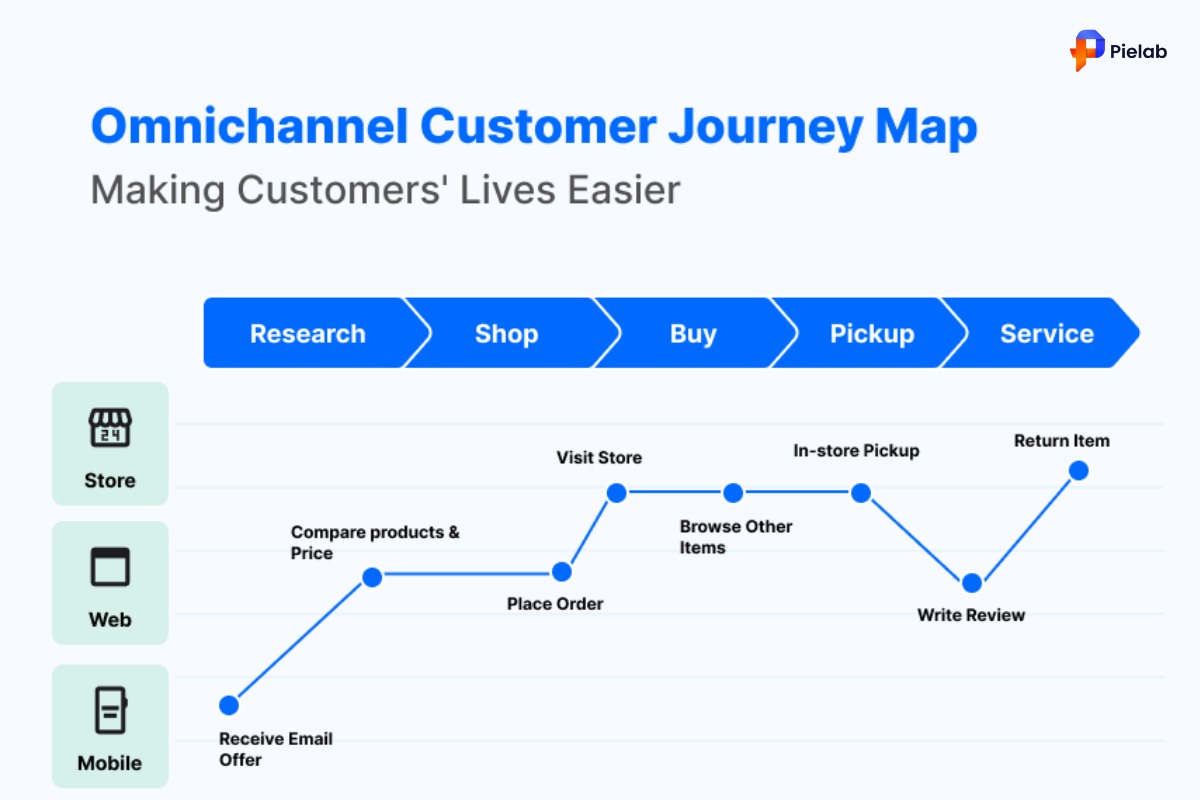
While most Shopify merchants do not operate flagship retail stores, the same principle applies at a smaller scale. A customer who customizes a product on your Shopify store should have that same level of choice and clarity whether they are browsing on mobile, desktop, or returning later to complete an order they started earlier. Consistency across devices is what makes product customization feel premium rather than clunky.
What Product Customization Tells You About Your Customers
One of the most overlooked benefits of product customization is the customer insight it generates without requiring invasive data collection. Today’s shoppers are increasingly hesitant to fill out surveys or hand over personal information directly. Product customization sidesteps this resistance entirely.
Every time a shopper makes a customization choice, whether selecting a color, a size, or an engraving message, they are voluntarily telling you something meaningful about their preferences. This data accumulates naturally over time and gives you a far richer picture of what your audience actually wants compared to generic analytics alone.
Eyewear brand Pair Eyewear was built entirely around this principle. The company’s founders rejected the traditional one-design-fits-all approach to glasses, instead placing product customization at the center of every customer interaction. By making customization affordable and accessible rather than a premium add-on, the brand grew its customer base and revenue significantly. This demonstrates that product customization does not need to be reserved for luxury or high-margin products to be effective.
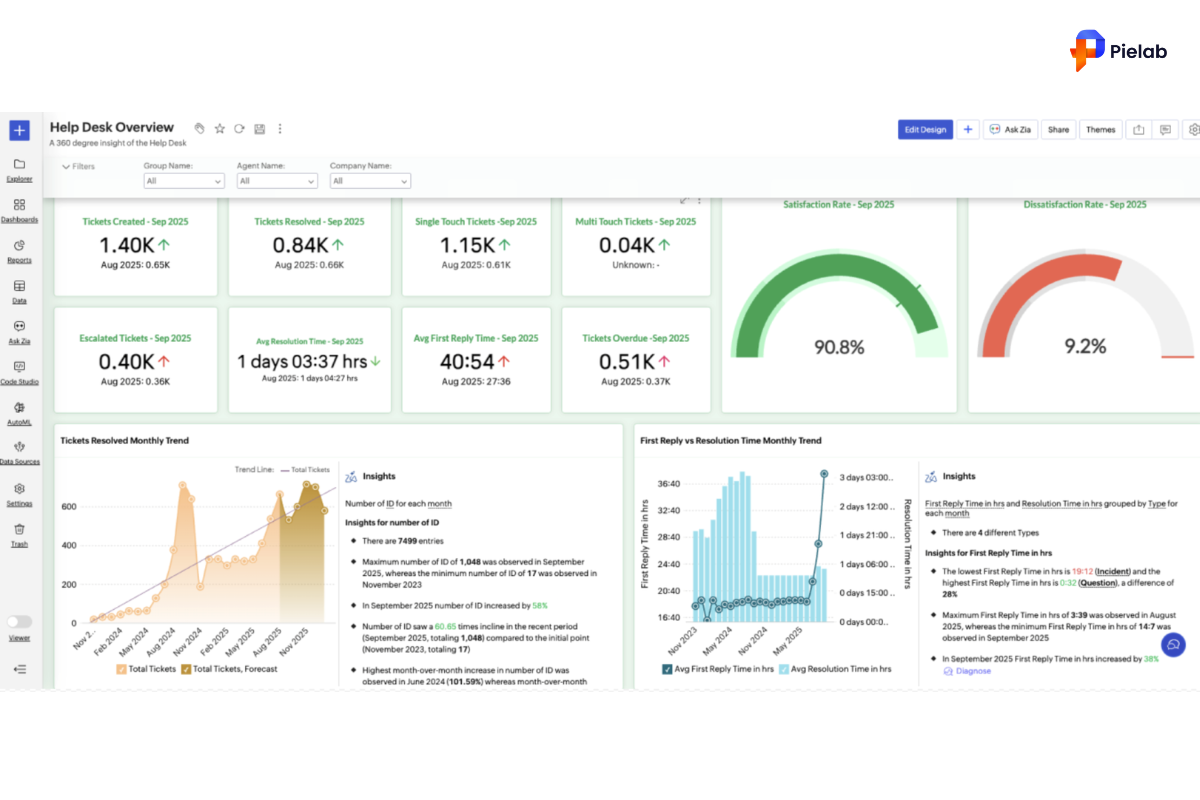
To make the most of this insight, your customer data platform needs the right tools to properly collect and organize information from customization choices. Pairing this with direct feedback channels like live chat or post-purchase email questionnaires helps you build a complete picture of customer preferences over time, all stemming from the customization choices they made willingly.
How to Add Personalization to Shopify Product Pages
Knowing why product customization matters is one thing. Actually setting it up on your Shopify store is what turns the strategy into revenue. Here is a practical approach to implementing it.
Steps to add product customization to a Shopify product page:
- Identify which products genuinely benefit from customization. Not every item needs it. Apparel, jewelry, gifts, home decor, and made-to-order items are strong candidates. A basic commodity item with thin margins may not be worth the added complexity.
- Decide what type of customization to offer. Common options include color or material selection, size or fit variations, text or monogram input fields, and image upload for custom prints. Start with one or two customization types rather than overwhelming shoppers with too many choices at once.
- Use Shopify’s native product options feature for simple variants like color or size. Go to your Shopify admin, open the product you want to customize, and add variant options under the Variants section. This works well for straightforward product customization that does not require freeform text or image uploads.
- For more advanced customization such as text input, engraving, or custom image uploads, install a dedicated product customizer app from the Shopify App Store. These apps add custom fields directly to your product page, allowing shoppers to type personalized text or upload their own designs before adding the item to cart.
- Display a live preview wherever possible. Shoppers are far more likely to complete a customized order when they can see roughly what their finished product will look like before purchasing. Even a simple text preview showing their chosen engraving message reduces hesitation and cart abandonment.
- Set clear expectations on production and shipping time. Customized products often take longer to fulfill than standard inventory. Communicate this clearly on the product page so customers are not surprised, which protects your reviews and reduces support inquiries.
- Test the full customization flow yourself before launching. Walk through selecting every option as a customer would, on both desktop and mobile, to confirm there are no broken fields or confusing steps.
Time to complete: 1 to 3 hours for basic variant-based customization. 1 to 2 days for advanced customization requiring a third-party app and design testing.
SearchPie Features That Support Your Customized Product Strategy
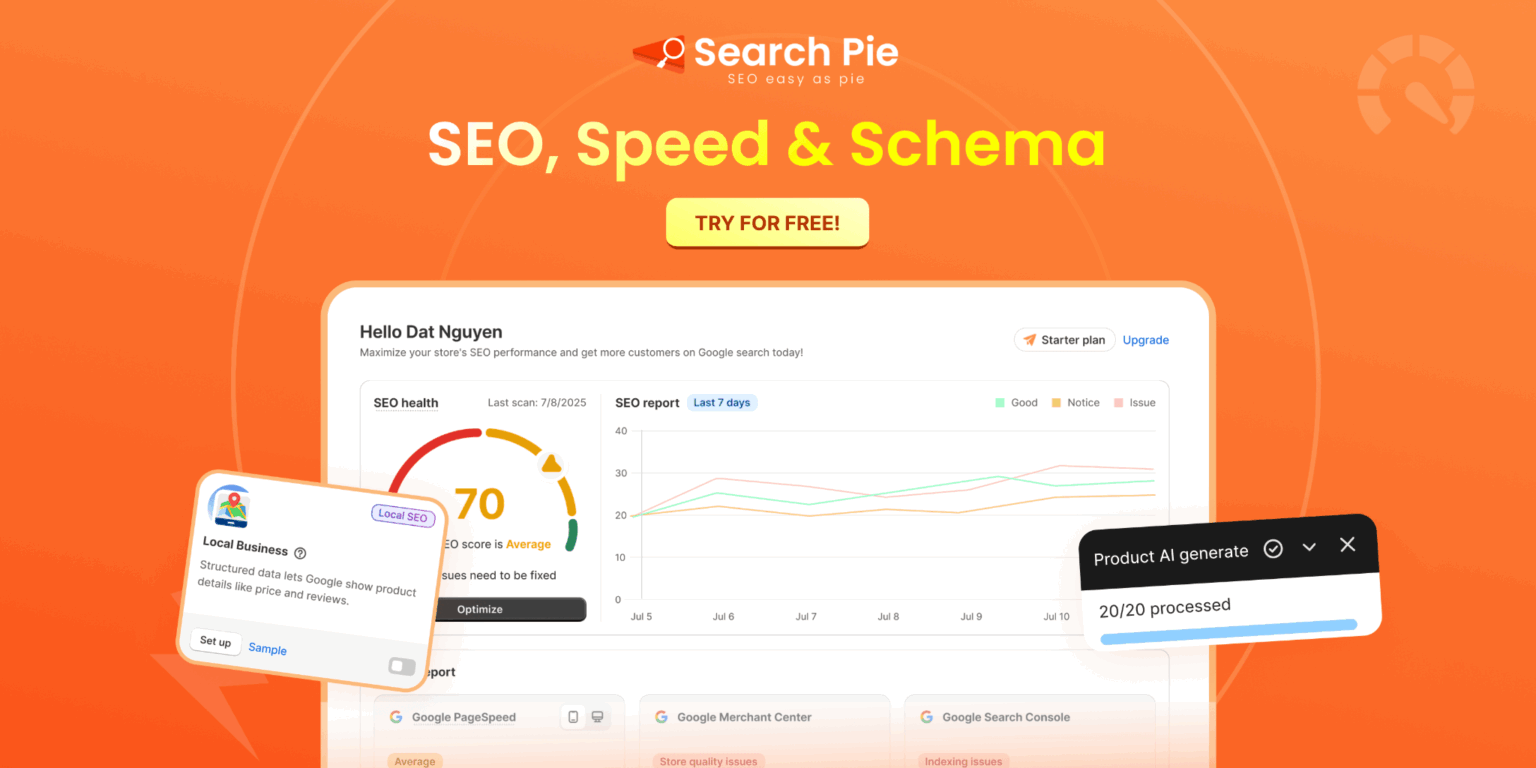
Adding product customization to your Shopify store creates more product variations, more content, and more pages that need to be discoverable in search results. SearchPie helps ensure that the work you put into building a strong customization experience does not go unseen by potential customers.
SEO optimization for customized product pages. SearchPie audits your store for missing meta titles, meta descriptions, and keyword gaps. Customized products often have unique selling points that deserve their own optimized messaging, such as “personalized” or “custom engraved” included naturally in titles and descriptions. SearchPie’s Keyword Explorer helps you identify exactly which customization-related search terms your audience is searching for, so your product customization options actually get found.
Page speed optimization. Product customization features like live previews, color swatches, and image upload tools can add extra load to your product pages if not implemented carefully. SearchPie’s speed optimization compresses images, reduces unnecessary code weight, and improves Core Web Vitals scores, ensuring that the added interactivity of customization does not slow down your store or hurt conversion rates.
Schema markup for customized products. SearchPie automatically generates product schema for your Shopify pages, including pricing, availability, and review data. For customized products, complete and accurate schema helps Google understand your offering clearly, increasing the chance of appearing in rich search results with star ratings and pricing shown directly in search.
AI search optimization. As more shoppers use AI-powered tools to search for gifts and personalized items, SearchPie’s Optimize for AI feature structures your product content so AI search engines can read and surface your customization options accurately in their generated answers. This is particularly valuable for product customization businesses, since gift-related and personalized product searches are increasingly common in AI shopping queries.
Best for: Shopify merchants offering product customization or personalization who want their unique product variations to rank well in Google, load quickly, and appear accurately in AI search results.
FAQS
Product customization allows customers to personalize a product by selecting options such as colors, sizes, materials, text, images, or other unique features before purchasing.
Product customization helps create a more personalized shopping experience, increases customer satisfaction, and can improve conversion rates and average order value.
You can offer product customization through product option selectors, personalization fields, image uploads, custom product builders, or Shopify apps designed for custom orders.
You can add product customization on Shopify using product variants, custom line item properties, or dedicated product customization apps that allow customers to personalize products before checkout.
A localization strategy works best. Adapting colors, designs, language, packaging, and customization options to match local cultural preferences can increase product appeal and sales in different markets.