

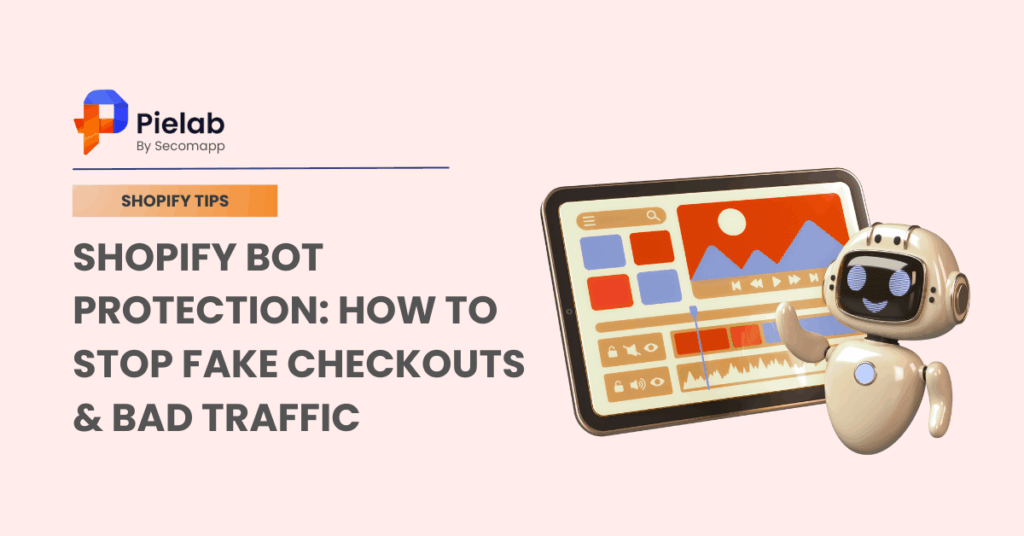
Shopify bot protection refers to methods and tools used to detect and block automated bots that create fake traffic, fraudulent orders, or spam activity on your store. According to NRF, the Thanksgiving-Cyber Monday 2025 period in the US drew 202.9 million shoppers. This shows that no matter the occasion, major holidays always attract huge traffic, but they also bring risks: bot traffic, auto-checkout inventory hoarding, scraping, and card testing. That’s why implementing Shopify bot protection is essential to keep data clean and protect checkout and email.
In fact, security is now a top priority for ecommerce businesses operating in high-traffic markets like the US, UK, and Australia, especially in B2B business. This guide walks you through quick, safe steps to block bots now and how to measure so you don’t over-block.
Summary:
Section 1: We’ll begin with a clear grasp of Shopify bot attacks, including the 4-step flow, common attack types, and key signals to help you quickly detect abnormal traffic.
Section 2: Next, you’ll understand what Shopify bot protection is and why it matters, from protecting conversions and cleaning analytics/ROAS to safeguarding email deliverability and stabilizing high-traffic events.
Section 3: Then, we’ll introduce a quick action checklist you can apply immediately to protect your store, including:
- Enabling hCaptcha
- Activating Shopify Bot Protection for peak events
- Using protection apps
- Blocking suspicious traffic
- Monitoring fake checkouts in real time.
Section 4: Finally, you’ll learn how to maintain clean signals after attack windows, with tools like SearchPie helping you fix SEO issues, restore data accuracy, and keep your store performance stable.
What Are Shopify Bot Attacks?

A Shopify bot attack is an automated activity that acts like real shoppers: fast and at a huge scale. These scripts, not people, hit your storefront and APIs at high speed to scrape product data, reserve inventory, or trigger fake checkouts. They rotate IPs, spoof devices, and loop add-to-cart/checkout in milliseconds to gain an unfair advantage; a single script can mimic thousands of visitors in minutes across product, cart, and checkout pages. In practice, bots target merchants for profit (resale/arbitrage, card testing, coupon abuse) and competitive leverage (price/content scraping, data pollution), with spikes around peak events like BFCM. That’s why layered Shopify bot protection (such as combining event-based controls, form challenges, rate limits, and monitoring) is critical for merchants.
Simple Flow of Shopify Bot Attacks
- Discovery: Bots find your product/collection pages or JSON/API endpoints via sitemaps, search, or old scans.
- Impersonation: They fake user-agents, rotate IPs, and mimic clicks or scrolls.
- Execution: They scrape data or hammer cart/checkout/search in tight loops, often in parallel.
- Evasion: They switch IPs, randomize timing, solve easy challenges, then repeat.
Common Types of Shopify Bot Attacks
1. Scraping
Bots copy prices, images, descriptions, reviews, and JSON-LD data. Competitors or resellers use it to undercut prices or clone your catalog. Heavy scraping can raise server load and muddy SEO if your content appears elsewhere first.
e.g: You’ll see: late-night traffic spikes with low engagement, bursts from data-center IPs in edge/WAF logs, and lots of pageviews without matching add-to-carts. According to Cloudflare, networks are a significant source of bot traffic industry-wide.

2. Auto-checkout (carting/“sniping”)
Scripts add to cart and attempt checkout in milliseconds, especially during drops or limited releases. They “reserve” inventory across many sessions, blocking real buyers and creating false scarcity.
eg: You’ll see: add-to-cart surges but flat orders, sudden “sold-out” or queue states, and inventory swings that don’t match real behavior.
3. Fake accounts & fake checkouts
Bots use disposable emails and fake identities, which trigger pixels and email flows. This hurts attribution and email deliverability.
eg: You’ll see: repeated address patterns, gibberish names, more abandoned-cart sends, higher bounces/complaints, and no real revenue lift. This noise makes it nearly impossible to rely on standard cart abandonment solutions to recover legitimate sales.
4. Card testing
Fraudsters run many tiny authorizations to find working stolen cards. This stresses gateways and raises dispute risk.
eg: You’ll see: clusters of small transactions, high declines from similar IPs/fingerprints, and velocity flags from fraud tools.
5. Rate-limit/API abuse
Attackers flood /cart, /search, /account, or Storefront API endpoints to extract data or slow your store.
eg: You’ll see: sharp request spikes to a few endpoints, robot-like session patterns, and random slowdowns without a matching ad push.
What is Shopify Bot Protection ?
Shopify bot protection is a layered set of controls that detects and challenges automated traffic before it hurts your store. It uses Shopify’s native features (like hCaptcha and, on Plus, Bot Protection) plus edge tools (WAF/CDN rules, rate limits, allowlists) to keep the path smooth for real shoppers and costly for bots. Shopify uses hCaptcha on storefront forms. Plus Bot Protection is a Shopify Plus feature that you enable through Support, and it only covers the Online Store channel.
Many Shopify stores experience sudden spikes in traffic with no increase in sales, which is often caused by bot activity rather than real customers. Shopify bot protection matters because it removes “noise” such as data scraping, inventory hoarding, fake checkouts, and abuse of sensitive endpoints without blocking legitimate shoppers. As a result, you unlock four compounding benefits:
- Protect conversion: Bots can make items look “sold out” even when no one pays. With shopify bot protection, you challenge suspicious traffic first, so real buyers can add to cart and check out without roadblocks.
- Clean analytics: Fake visits and fake checkouts inflate your numbers and hide what’s really working. Filtering bots gives you clean session and conversion data, so you can trust your reports and make better decisions.
- Save email reputation: Bots often use disposable emails. Reducing fake checkouts means fewer bounces and spam complaints, so more real customers actually see your emails.
- Safer launches: Special events such as BFCM, limited drops, collabs,… attract waves of automation. Use time-boxed rules to keep bots out while letting real fans through. You protect inventory, keep pages stable, and turn hype into real orders.
How Can You Tell If Your Shopify Store Has Bot Traffic?
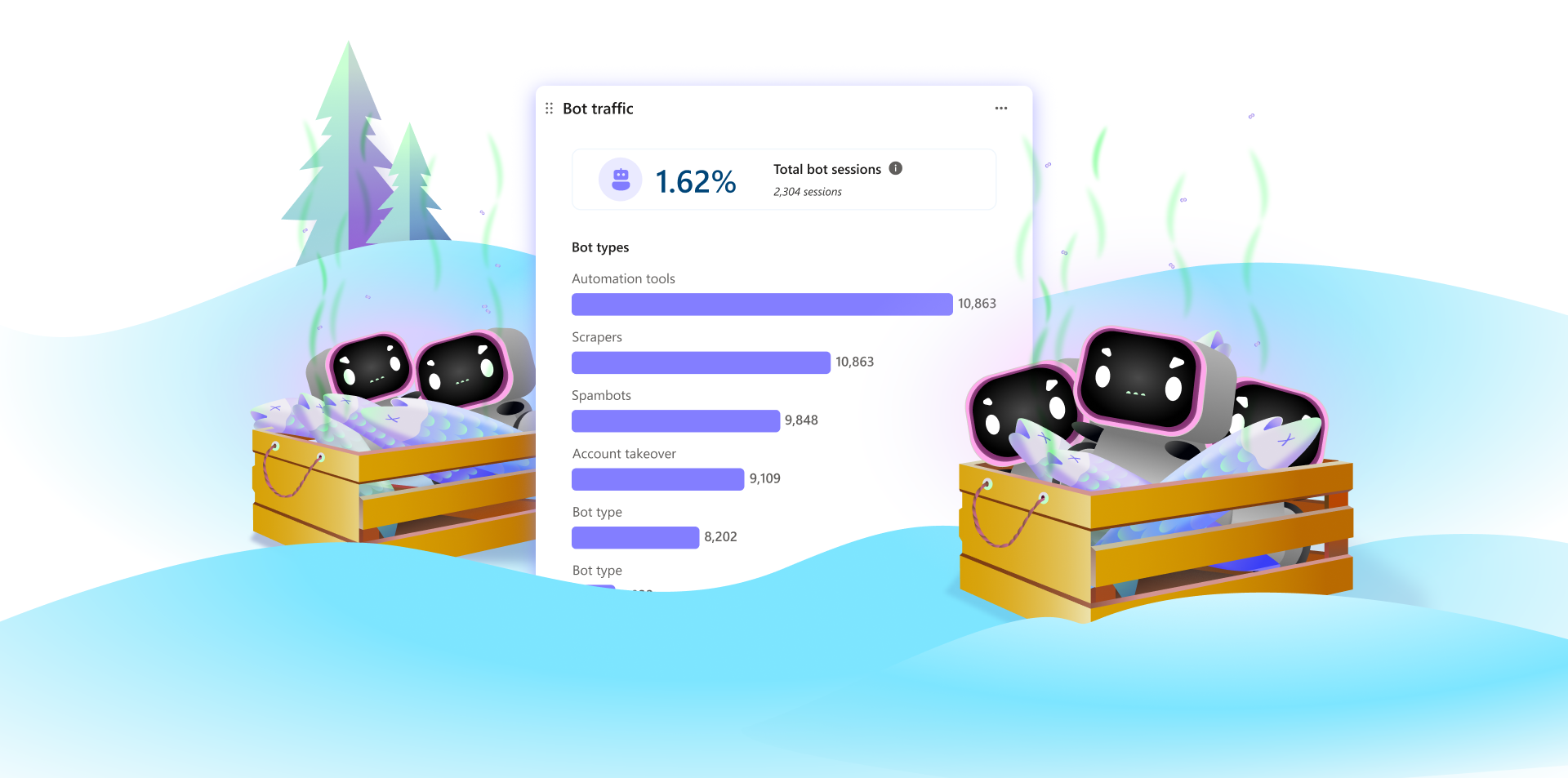
Not all traffic leads to sales. In many cases, bots are designed to behave like real users, making them difficult to detect at first glance. However, they often leave clear patterns in your data. If you notice the signals below, your store may be affected by bot activity:
- High traffic but low conversion rates: Your sessions suddenly increase, but add-to-cart actions and completed orders remain unchanged. This usually indicates non-human traffic inflating your analytics.
- Unusual checkout or cart activity: You may see a spike in add-to-cart events or checkout starts, but very few completed purchases. Bots often simulate buying behavior without real intent.
- Fake or inconsistent customer data: Orders or signups may include random names, disposable email addresses, or repeated patterns in shipping details. This is a common sign of automated scripts.
- Increase in abandoned carts: A sudden rise in abandoned checkouts, especially without corresponding user engagement, often points to bot-triggered actions rather than real customers.
- Abnormal behavior patterns in analytics: Very short session durations, repeated clicks within seconds, or traffic from unusual locations and data center IPs are strong indicators of bot activity.
What Are the Best Shopify Bot Protection Apps?
To protect your Shopify store effectively, bot protection should not rely on a single method. While built-in features like hCaptcha and Shopify Bot Protection help reduce basic threats, they are often not enough to handle advanced bot behavior such as fake checkouts, scraping, or automated attacks at scale.
That’s why many merchants add dedicated bot protection apps as a second layer. These tools work alongside Shopify’s native protections to detect suspicious patterns, block automated traffic, and prevent fake orders in real time, especially during high-traffic events or product launches.
Below are some of the most reliable Shopify bot protection apps you can use to strengthen your defense:
1. Blockify – Fraud Filter & Blocker
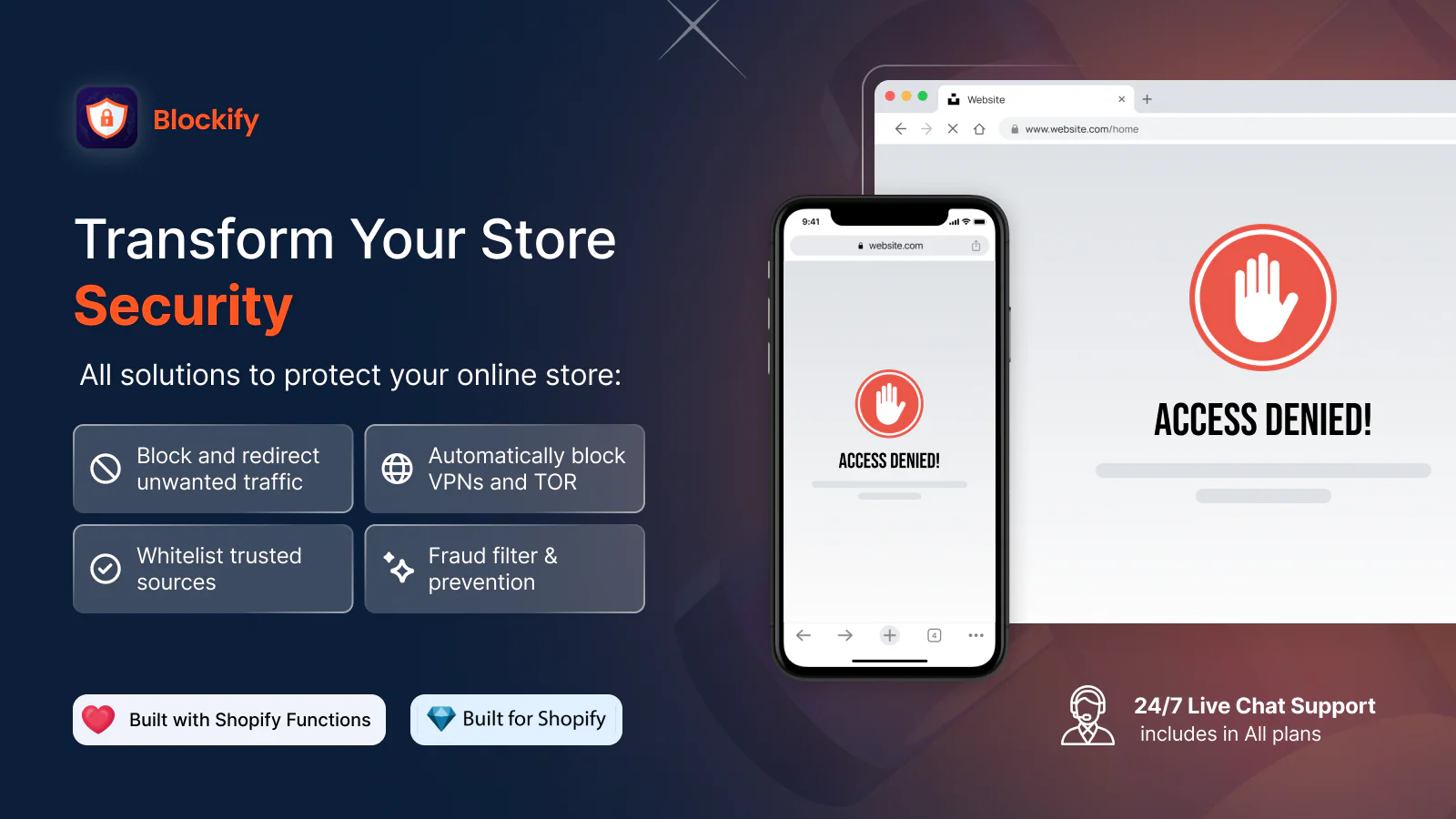
Best for: Preventing fake orders and blocking suspicious visitors
Blockify is one of the most popular Shopify apps for bot protection. It allows merchants to block visitors based on IP address, country, or behavior patterns, helping reduce fake checkouts and spam traffic.
Key features:
- Block IPs, countries, and VPN traffic
- Detect and prevent fake orders
- Real-time visitor monitoring
- Custom rules for suspicious behavior
2. Negate – Bot Protection & Fraud Prevention

Best for: Advanced bot detection and automated protection
Negate focuses on identifying non-human behavior and blocking bots before they reach critical parts of your store, such as checkout or account creation.
Key features:
- Behavioral bot detection
- Automated blocking of suspicious sessions
- Protection against fake accounts and checkout abuse
- Works in the background without affecting real users
3. Friendly Captcha
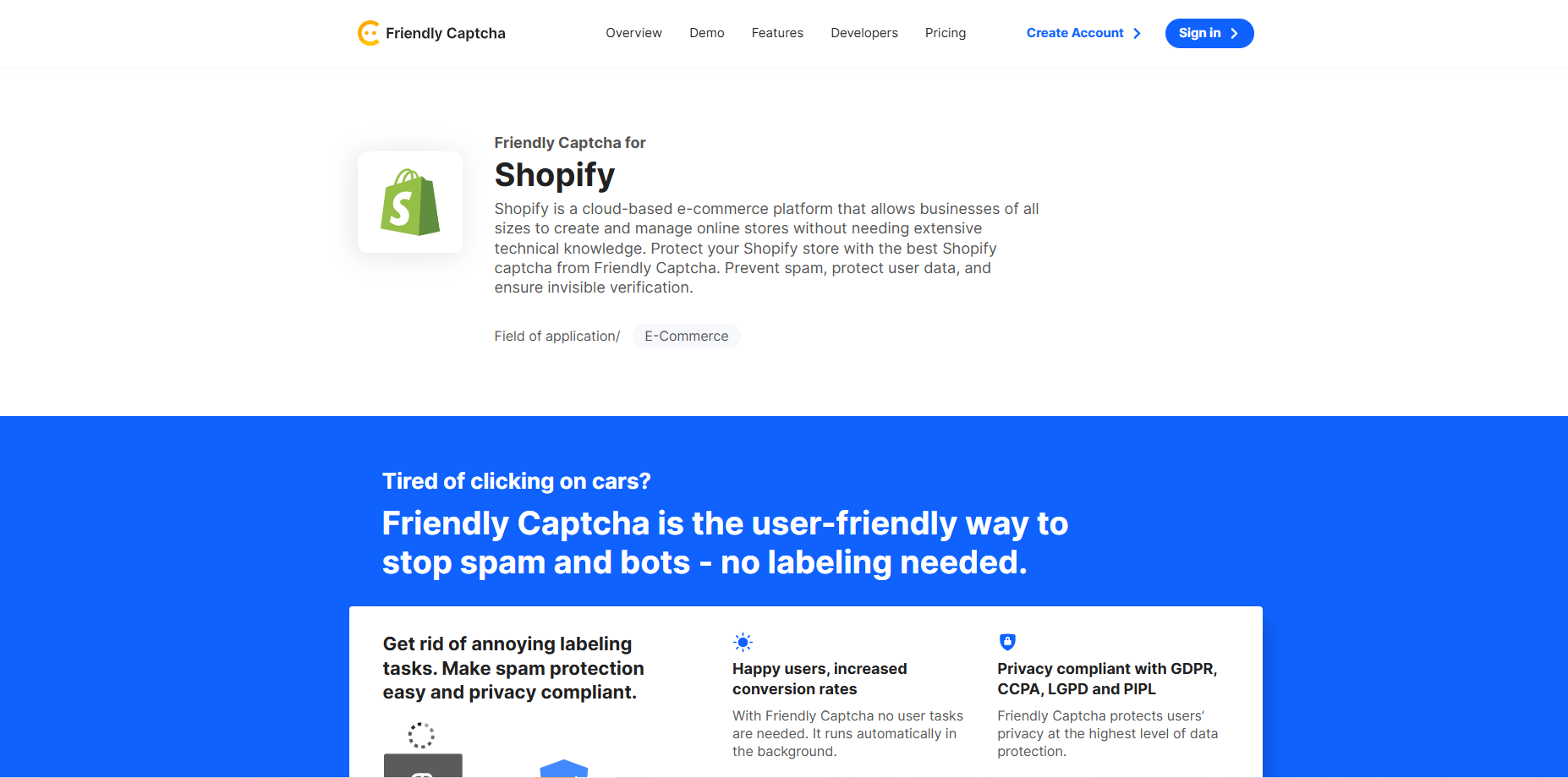
Best for: Invisible bot protection without hurting UX
Friendly Captcha helps protect forms and login areas by verifying human users without requiring complex challenges, making it a good balance between security and user experience.
Key features:
- Invisible CAPTCHA (no user friction)
- Protects forms and login pages
- GDPR-friendly privacy approach
- Easy integration with Shopify forms
How Does Shopify Bot Protection Block Bad Bots?
Bot attacks can scramble your numbers. The fix is to protect at the right moments, measure cleanly, and tune bit by bit. Aim for smart timing, clear tracking, and steady changes so shoppers glide through while bots hit friction.
Tip 1: Use Shopify Plus “Bot Protection” for high-demand windows
If you’re on Shopify Plus, ask Support to enable Shopify Bot Protection, then schedule it for drops, limited releases, and BFCM. Shopify specifies that this feature is designed to limit the effectiveness of auto-checkout bots during high-demand Online Store events and must be activated by Plus Support. Start with short windows and extend only if needed.

Tip 2: Measure, then clean up signals with SearchPie
You can run Shopify bot protection like a focused campaign: track the revenue movers with adds-to-cart, checkout starts, order rate, payment declines, and support tickets.
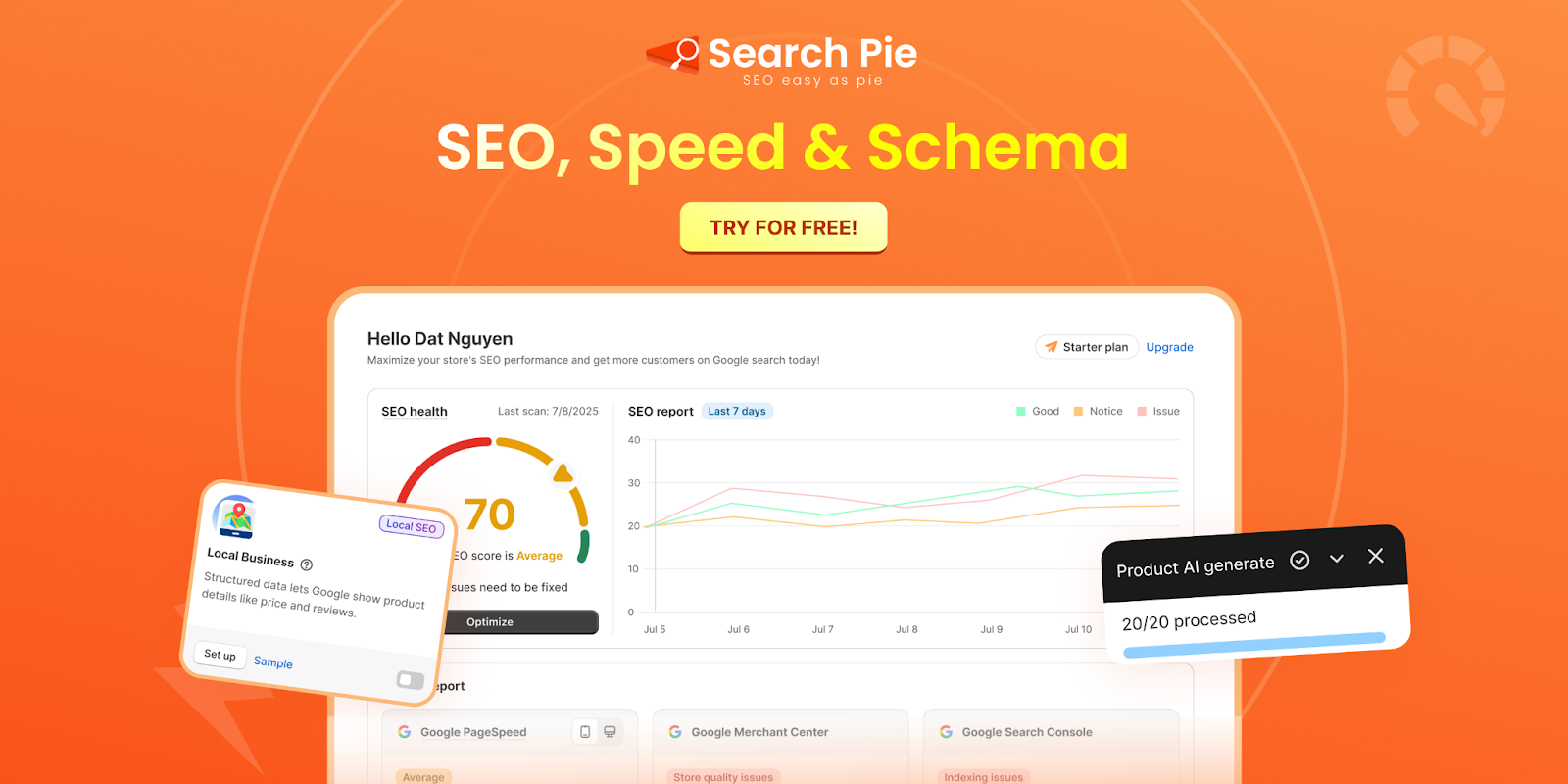
Right after each window, switch to cleanup mode with SearchPie, a SEO solution built for Shopify and perfect for restoring clean signals fast:
- Fix 404s & redirects: Close dead links and guide crawlers back to the right URLs.
- Refresh schema (Products/Collections): Keep rich results accurate after traffic rules change.
- Compress key images: Protect Core Web Vitals while edge challenges are in place.
- Review GSC issues: Catch new indexing or enhancement errors and resolve them quickly.
Tip 3: Plan it like a launch feature, not a 24/7 firewall
Shopify Bot Protection is event-based. When you turn it on when you expect spikes, and when you turn it off when traffic normalizes. Treat it like a checkout fairness tool for “flash sale” moments, not a permanent perimeter control. This keeps friction low for everyday shoppers.
Note: Shopify positions Bot Protection as event-focused, not a general fraud solution.
Tip 4: Keep forms clean with Shopify’s built-in hCaptcha (default)
Shopify uses hCaptcha on customer/contact/comment forms to cut spam and low-quality signups. It runs invisibly first, then escalates to an interactive challenge when behavior looks suspicious. Confirm it’s active in your store and test key forms after theme changes.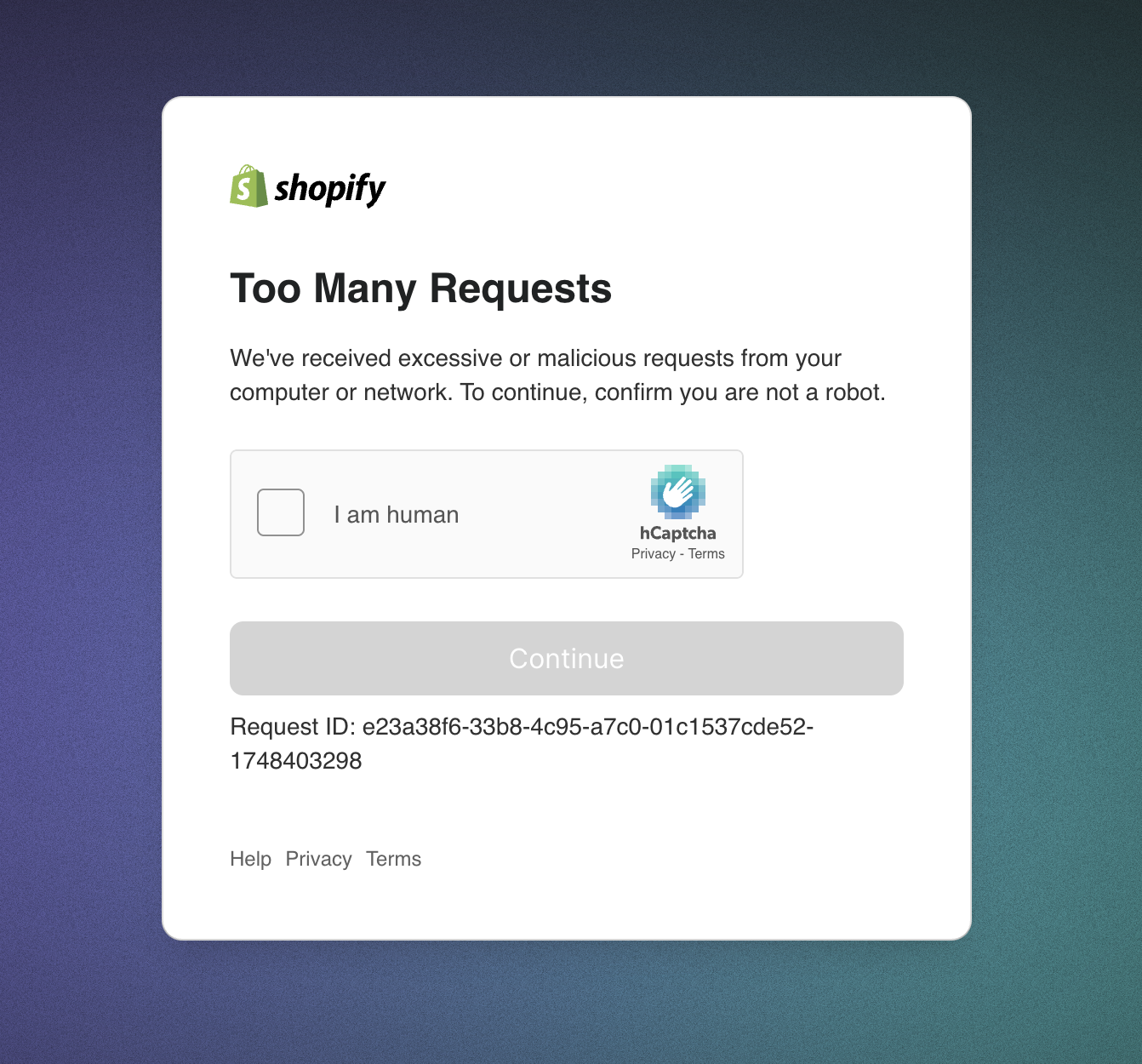
Tip 5: Mind compatibility changes if you customized CAPTCHA
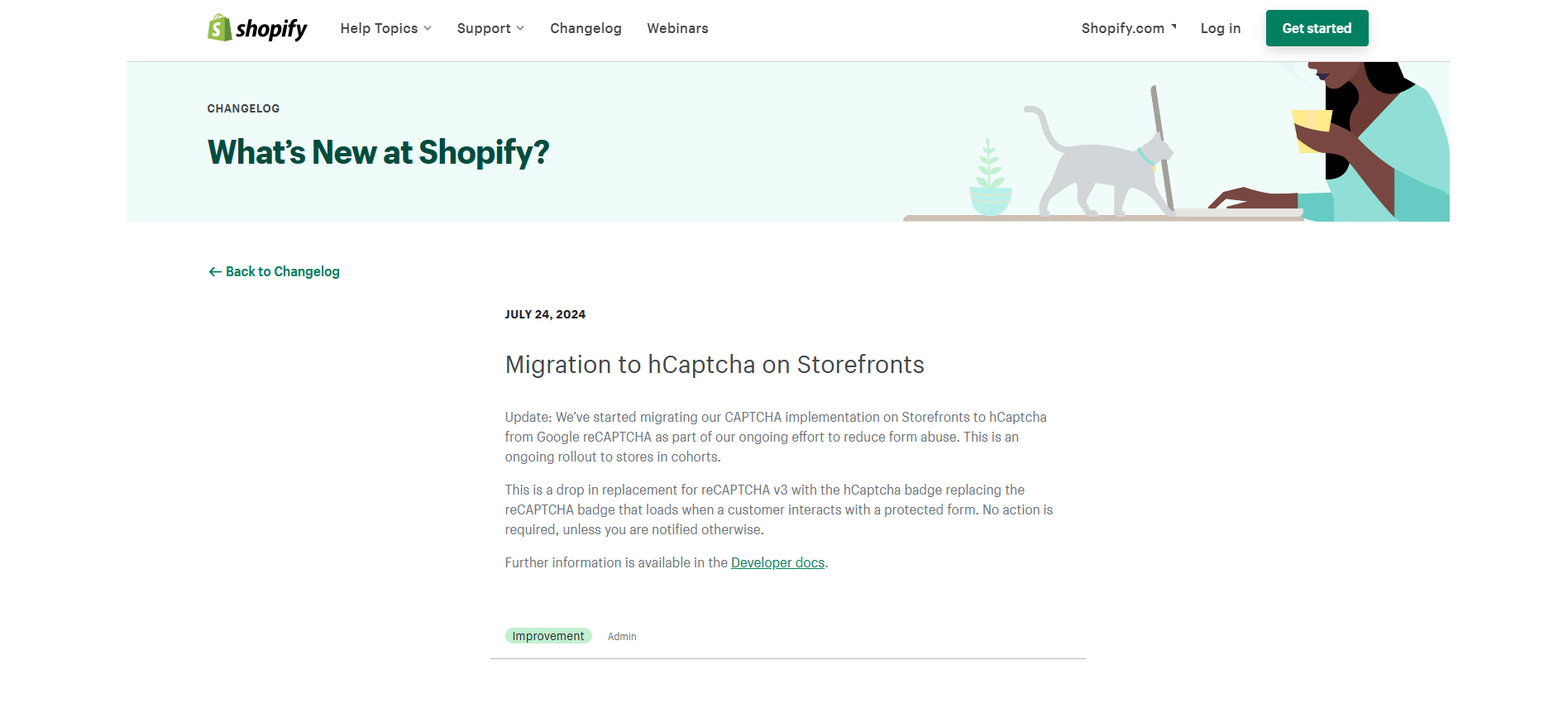
Shopify moved storefront CAPTCHA to hCaptcha. If you hard-coded reCAPTCHA in your theme, check and test your custom code. Shopify’s switch to hCaptcha is meant to work out of the box, but custom code may still need updates.
Conclusion
In the weeks leading up to big occasions, you need to take control before bots do by tightening defenses so they can’t attack your store, especially as special events approach. Lock in launch windows, monitor the revenue movers, and clean up signals right after. That’s the promise of Shopify bot protection done right. Follow us to stay up to date with the latest best practices.
FAQs
It’s a layered setup that detects and challenges bots. In other ways, it’s top spot bots and slow them down. Start with Shopify hCaptcha on forms, add light WAF/CDN rules, and (on Plus) schedule Bot Protection for peak events.
No. Any plan can enable hCaptcha and add light WAF/CDN rules. If you’re on Shopify Plus, you can also turn on Bot Protection during BFCM/drops to cut auto-checkout bots.
Usually not if used lightly. Challenge suspicious traffic only, then watch orders. If orders dip, loosen the rules; if fake checkouts fall and orders hold, keep them.
Track adds-to-cart, checkout starts, orders, declines, and support tickets. If orders drop in step with sessions, loosen rules and review logs/allowlists.
It covers high-demand Online Store events (e.g., BFCM, drops) to reduce automated purchase attempts. It’s not always-on, won’t stop all scraping, and doesn’t replace a WAF/CDN. Pair with hCaptcha and light rate-limits, then monitor carts, checkouts, orders, and declines.